
Dreamina Video Extension Prompt Examples: Continue a Clip Without Drift
AI Overview
What should a Dreamina video extension prompt say?
Name the uploaded clip, describe one next visible action and one camera move, then protect the subject, setting, light and sound that must carry across the join. End with a specific pose or composition rather than a vague request for “more video.”
How do I extend a video in Dreamina?
In AI Video, add your existing clip as a reference, select the available Seedance 2.5 route, set duration and resolution, and prompt the next beat. Preview the boundary and full extension before downloading or extending again; available controls can vary by account.
Can a prompt keep the same character through several extensions?
It can reduce drift by naming a few stable identity, wardrobe, prop and location anchors, but cannot guarantee a perfect match. Review each join at normal speed and stop chaining when the face, object or camera logic starts to change.
Ready to try it yourself?
Free credits on signup. Plans from $20/month.
Why does my Dreamina extension look like a new scene?
The source may end on a blurred or ambiguous frame, or the prompt may reintroduce the setting and ask for a conflicting shot. Choose a clearer handoff, keep the next action short, and remove camera or style instructions that fight the existing footage.
Why Extension Prompts Differ From First-Scene Prompts
The first prompt builds a scene. An extension prompt inherits its subject, room, camera, motion and sometimes sound. Its job is to move that scene forward, not replace it with richer adjectives. “A cinematic bakery” might launch a clip; it does not say what happens after the baker sets dough on the table.
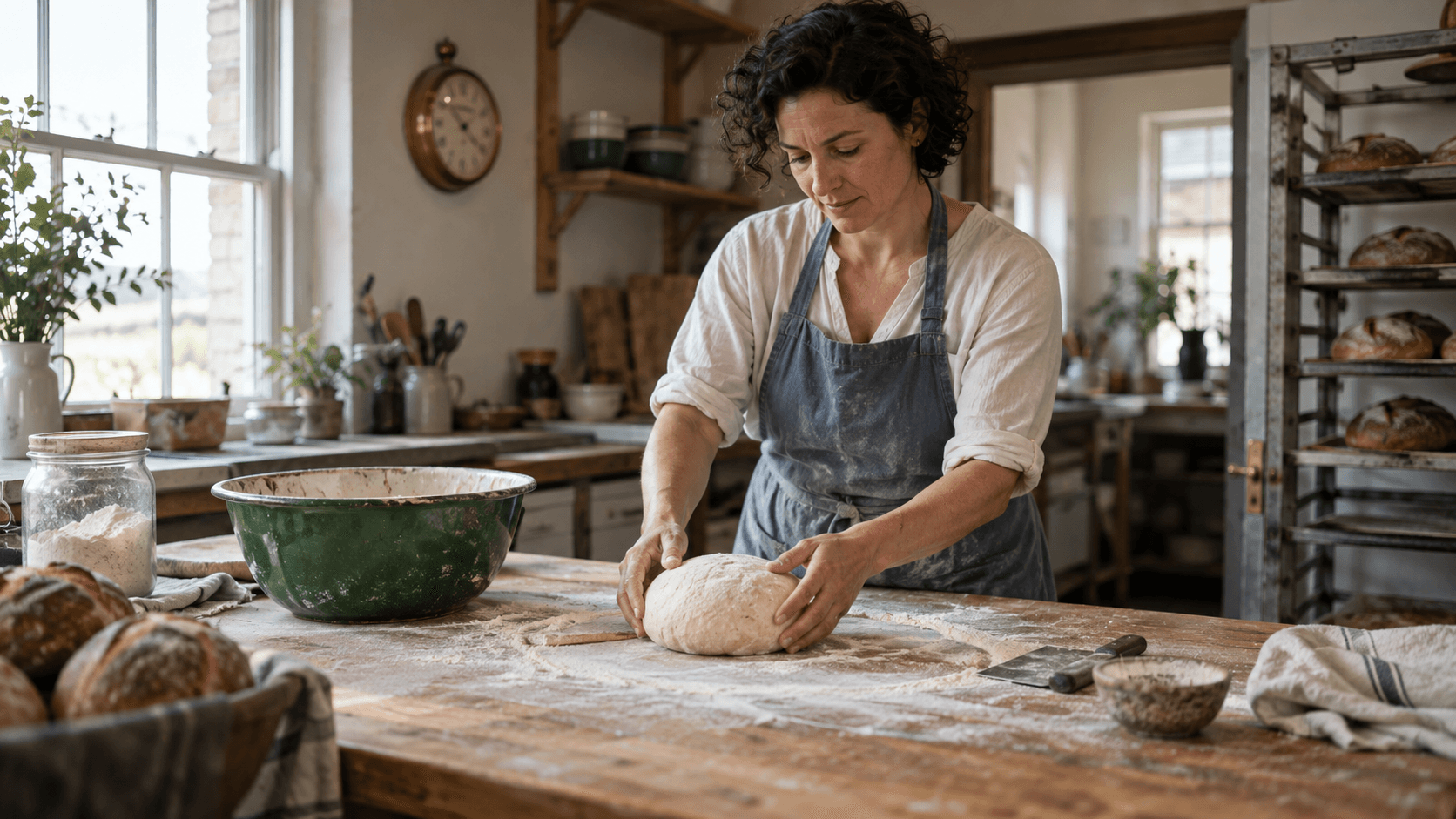
Write from the last trustworthy moment: what is visible, what movement has begun, and what can follow within the requested duration. Give the extension an entry state, one beat and an exit state. In the bakery sequence, the woman holds raw dough; the next beat is shaping, not serving finished bread. The bowl, window and clock anchor the room.
Generated illustrative planning frame, not a verified Dreamina render: the baker, dough, bowl and window are continuity anchors for the next prompt.
Protect the details that matter. Twenty minor objects crowd out the action; “keep it consistent” is too vague. For a fresh scene use the Seedance prompt guide; for extension, write narrowly around the uploaded footage.
Set Up Dreamina Clip Extension
Dreamina's current instructions say to open AI Video, add the clip through + Reference, select Dreamina Seedance 2.5, set Duration and Resolution, then generate, preview and download. Ultra-long Generation is described under Reference Mode. Check your account's controls and credit cost; availability may differ.
Prepare a source clip with a readable ending
Watch the last second before uploading. Is the person sharp? Are hands and props visible? Is there room to continue moving? If not, trim to a clearer late frame. A readable boundary beats a blurred final frame.
Record aspect ratio, audio state and approved ending frame. Keep the original video: a still image cannot carry its motion and sound. If you need help finding the model, use the Dreamina access guide.
Start with one short, testable beat
Test one physical action before a long sequence. “Shape the dough and pause” is testable; “complete a baking story” skips several states. Specify whether dialogue or music continues. Avoid changing aspect ratio mid-chain without a separate reframing step.
Copy-Ready Dreamina Video Extension Prompt Examples
Use the structure below as an editable card. Replace the brackets with what the uploaded ending frame actually shows. The instruction is a proposed prompt, not a claim that one wording guarantees a particular Dreamina result.
Extend Video 1 forward by [duration]. Continue from its ending frame. [Subject] performs [one next visible action]. The camera [one compatible movement]. Preserve [identity, wardrobe, prop, environment and light anchors]. Keep [sound instruction]. End with [specific pose, object state or composition]. Do not restart the scene or alter the original clip.
Example 1: Continue a human action
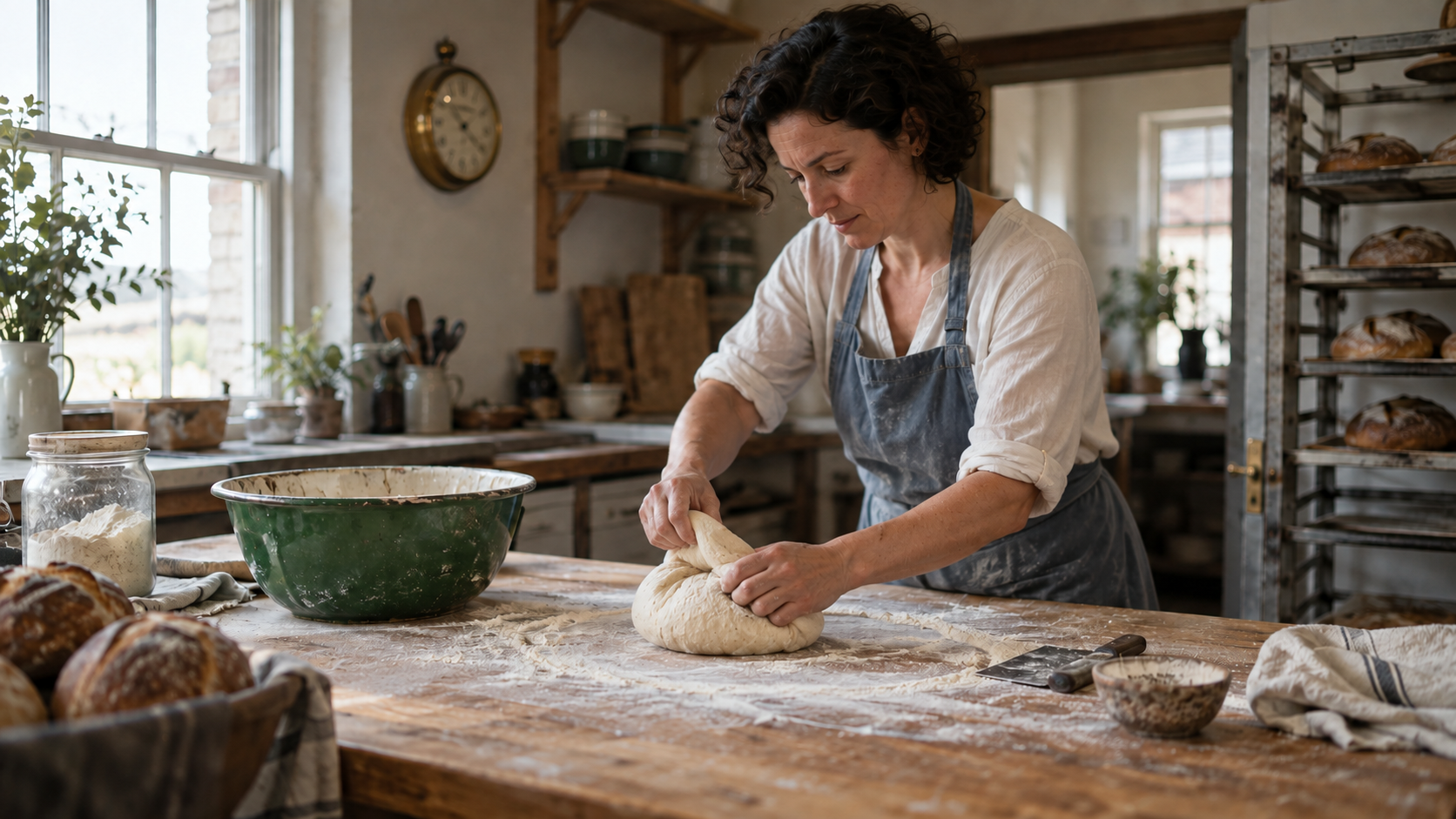
Extend Video 1 forward by 5 seconds. The same baker in the faded slate-blue apron folds the round dough toward herself twice, rotates it on the oak table and settles it in the center. Keep her face, cream shirt, green enamel bowl, brass clock and cloudy window light unchanged. The camera moves gently from a wide view to a medium side angle. Preserve quiet bakery room tone. End with both hands resting beside the shaped loaf; do not cut to a finished bread product.
Inspect the hands, dough size and bowl position in the moving output. If they jump, shorten the requested motion before adding adjectives.
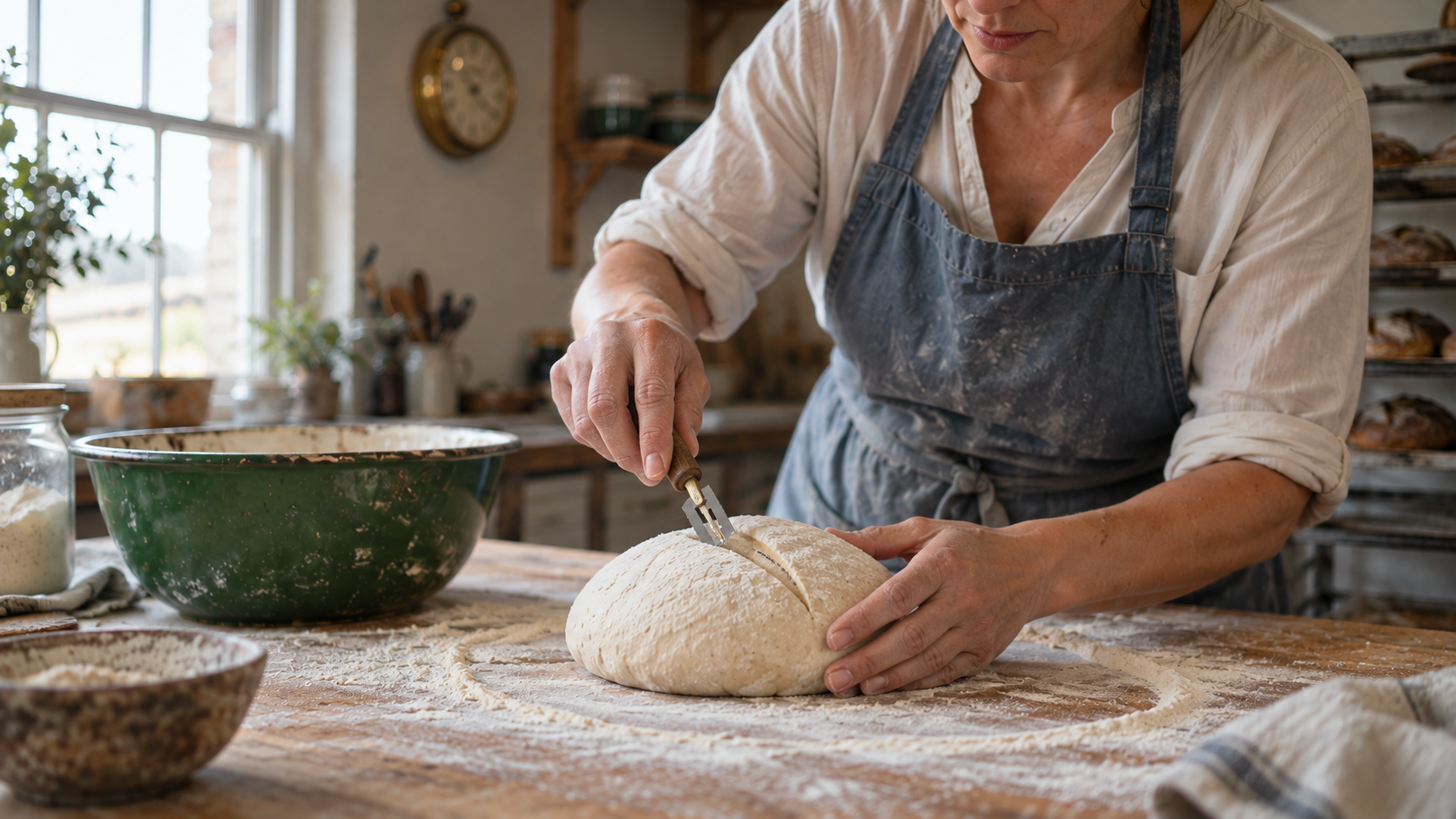
Generated continuation target, not a Dreamina result: a closer view is useful only if the dough, person and table survive the camera change.
Example 2: Extend a product reveal
Extend Video 1 forward by 4 seconds. The same matte silver wristwatch remains on the dark walnut block while a hand turns it one quarter rotation to reveal the clasp. Continue the slow rightward camera slide already visible in the source. Keep the dial markings, case shape, strap material, background and soft side light unchanged. No new text, logo or extra product. End on a steady close view of the clasp for one second.
Product prompts need geometry constraints: the watch may move beautifully while its clasp mutates. For a still source, first create an image-to-video shot, then extend its approved motion.
Example 3: Bridge a camera move
Extend Video 1 forward by 6 seconds. The cyclist continues traveling screen-right through the same station concourse. Track beside the cyclist at the existing camera height, then ease to a stable medium-wide view as the bicycle stops by the glass doors. Keep the rider, bicycle frame, floor reflections and cool daylight consistent. Continue the original ambient station sound; no new music. End with the rider stationary and both wheels visible.
Direction matters. An instant drone orbit feels like a new shot. Bridge to a new angle or make an intentional cut.
Example 4: End a scene without inventing a new one
Extend Video 1 forward by 5 seconds. The same baker lifts the scored raw loaf on a wooden peel and guides it toward the open oven. Preserve her slate-blue apron, cream shirt, bakery room, green bowl, oak table and left-window daylight. Follow her with a restrained shoulder-height pan; keep the loaf raw and the oven physically plausible. End as the loaf reaches the oven shelf. No time jump to a baked loaf and no change to the original clip.
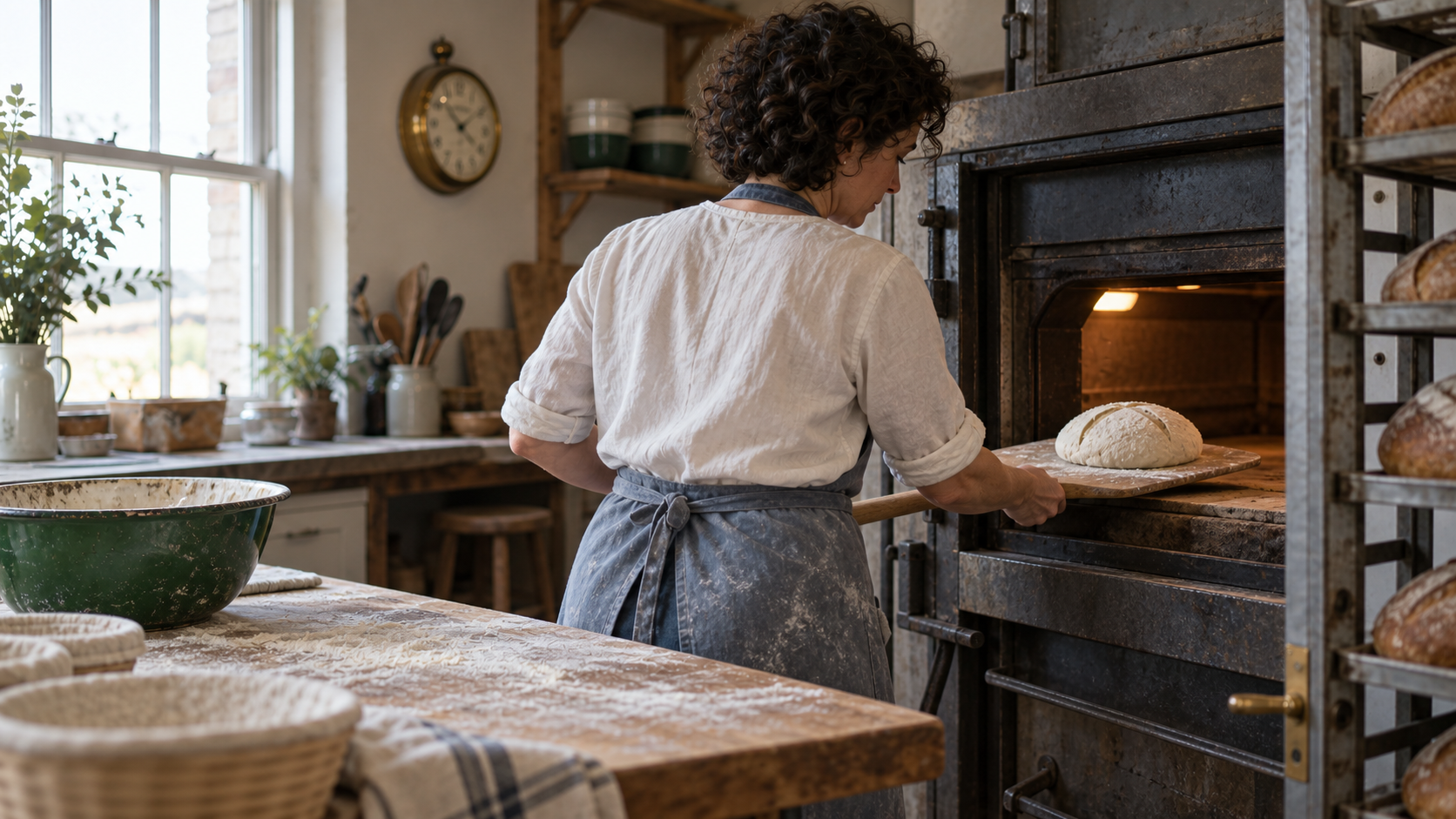
Illustrative ending state: it gives the prompt a clear destination without asking the model to skip the baking process.
Protect Continuity at the Join
Compare the last reliable source frame with the first stable extension frames. Review identity and wardrobe, object shape, layout, camera direction and sound. Small drift compounds, so rank the protected anchors instead of saying “match perfectly.”
For the bakery, the apron and loaf are primary; the bowl and window establish space. A clock-hand change matters less than a changed face. Preserve room tone unless music is intentional. A click at the join may still need audio repair.
This existing moving Seedance editorial clip shows the kind of continuous motion to inspect at a handoff; it is not a verified Dreamina output or a controlled comparison. Watch motion direction and the first seconds after the apparent join rather than treating the poster as proof.
src=https://r2.seedance.tv/blog/how-to-extend-video-seedance-2-5/wave-to-canyon-continuous-v1.mp4
poster=https://r2.seedance.tv/blog/how-to-extend-video-seedance-2-5/cover-v2.png
label=Continuous Seedance motion example for inspecting an extension handoff
Actual moving Seedance sample for seam review, not a Dreamina benchmark.
For the broader reference and audio rules behind this approach, the Seedance video-extension guide provides a full production workflow. The Dreamina prompt on this page stays focused on what to upload, what to say next and what to approve.
Review the Result and Fix Drift
Review at normal speed, frame by frame across the join, and with audio only. Mark approve, repair in edit, or rerun, with one reason. Do not chain a flawed segment because its best still looks good.
If it starts as a new scene, name the source video and next action. If identity drifts later, shorten the beat. If a prop deforms, show it at the boundary and protect its key property. For a camera jump, keep one movement instruction. Repair audio changes separately.
Record source filename, ending timecode, model, duration, prompt and approval reason. The Grok extension guide addresses a similar problem in a different interface; its buttons and limits may differ.
Use Seedance Agent for Longer Sequences
One Dreamina extension is a local continuation. A campaign with many shots, crops, voices and approvals needs coordination. Attach each prompt and boundary frame to a named shot. Seedance Agent can organize briefs, references and partial reruns while a human approves the moving result; it is not a Dreamina control.
Extend a strong clip sparingly. For a new location, lighting setup or time jump, make a separate shot and cut deliberately. Keep each approved branch so an editor can return to the last stable state.
Conclusion
Dreamina video extension prompts work best when they continue one physical beat from a readable source ending, protect a few important anchors, specify compatible camera and sound behavior, and name a clear final state. Upload the real clip, test one short continuation, inspect its join and full motion, then extend again only from an approved result. Use the four templates here as starting points, not guaranteed outputs. When the project grows into multiple shots and review cycles, plan it with Seedance Agent so prompts, references and approvals remain connected.
Ready to try it yourself?
Put the steps from this guide into practice with Seedance and turn prompts or images into polished videos in minutes.
Free credits on signup. Plans from $20/month.
Related Articles
More posts in the same locale you may want to read next.
Seedance App Preview Video Generator 2026: Create App Store and Product Launch Clips
Use Seedance to turn app screenshots, feature copy, and launch goals into App Store previews, Google Play promo videos, and product launch clips.
Read article
HeyGen Translation Speed vs Precision: Which Mode Should You Use?
Choose HeyGen Speed, Precision or Audio Only for video translation using source-shot complexity, lip-sync risk, credits and a repeatable one-language review workflow.
Read article
Higgsfield Cinema Studio Camera Settings: A Practical Shot Guide
Set focal length, aperture, lighting and camera movement in Higgsfield Cinema Studio with a repeatable shot card, practical examples and a review checklist.
Read article