
01
Upload a Clear Source Image to Animate
Choose an image with a clear subject, stable composition, and good lighting. Strong input quality helps seedance free image to video preserve identity and style.
Turn any image into an AI-generated video with Seedance Image to Video. Upload a photo, describe the motion, and create high-quality image-to-video clips online with seedance free image to video.
Upload an image and add a prompt. Seedance Image to Video turns still photos into creative AI videos with natural motion.
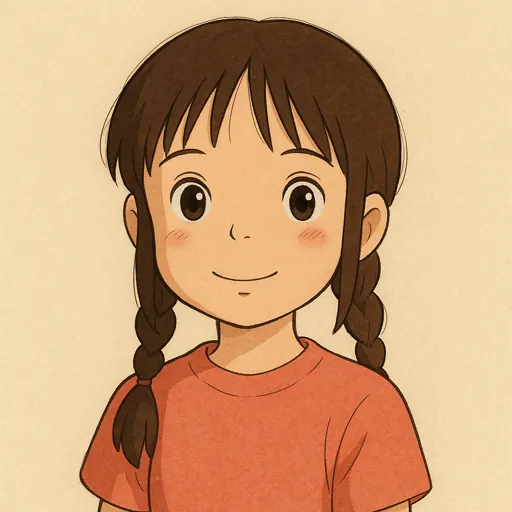
The little girl keeps smiling at the camera and pokes the lens with her finger.
The little girl keeps smiling at the camera and pokes the lens with her finger.
Use Seedance free image to video to turn one source image into controlled, consistent creative videos for stories, ads, product scenes, and social posts.
Use a single product shot, portrait, or concept image to explore different pacing, camera movement, and visual moods. Seedance Image to Video makes early creative iteration faster without starting from scratch.
Good image-to-video output needs more than movement. Seedance helps preserve the subject, lighting, and scene tone while adding motion that feels controlled and believable.
Try different motion prompts, compare results quickly, and move forward with the strongest version. This keeps your workflow practical whether you are making social clips, ads, or presentation videos.

Upload an image, write a motion prompt, and generate AI video clips online with Seedance Image to Video.
Use the Seedance AI video generator as a free image to video workflow for brand campaigns, product stories, social clips, and portfolio work that starts from visuals you already own.
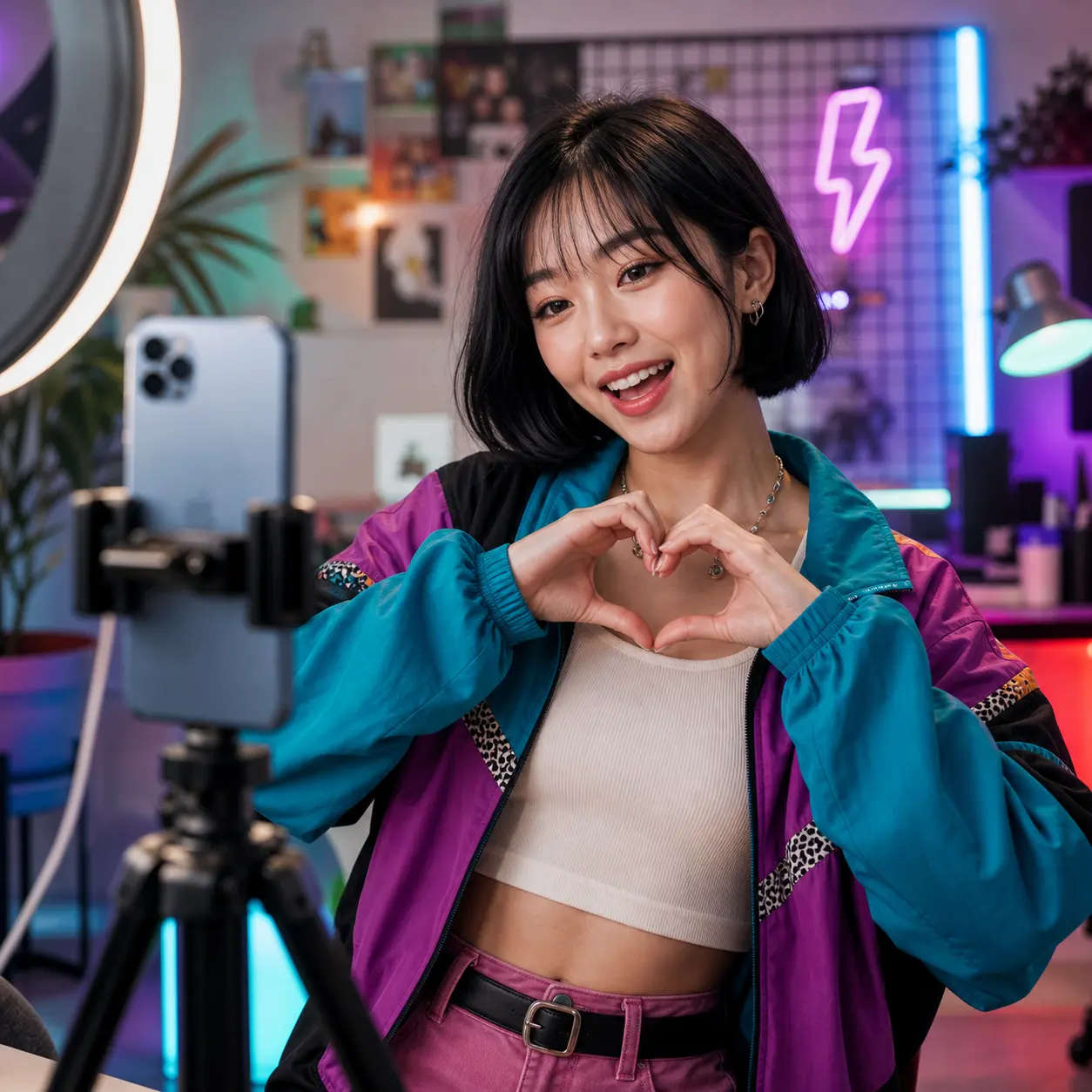
Seedance AI video generator keeps the free image to video process simple while giving you enough control to get production-ready output.
Choose an image with a clear subject, stable composition, and good lighting. Strong input quality helps seedance free image to video preserve identity and style.
Describe subject movement, camera behavior, and visual mood in one concise prompt. Clear direction helps free image to video output look more intentional.
Generate with the Seedance AI video generator, compare versions from the same image, and export the strongest clip for your campaign or story.
Explore practical guides for prompts, workflows, and creative video ideas with Seedance Image to Video.
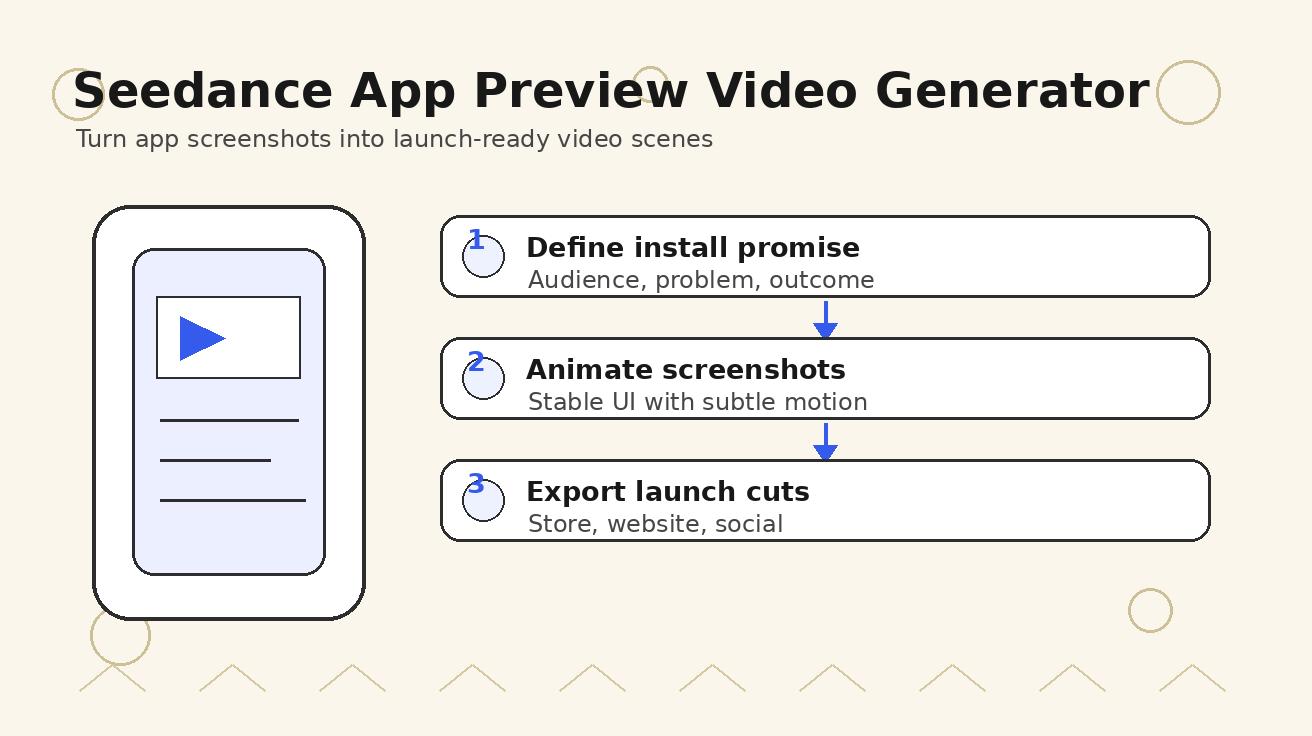
Use Seedance to turn app screenshots, feature copy, and launch goals into App Store previews, Google Play promo videos, and product launch clips.
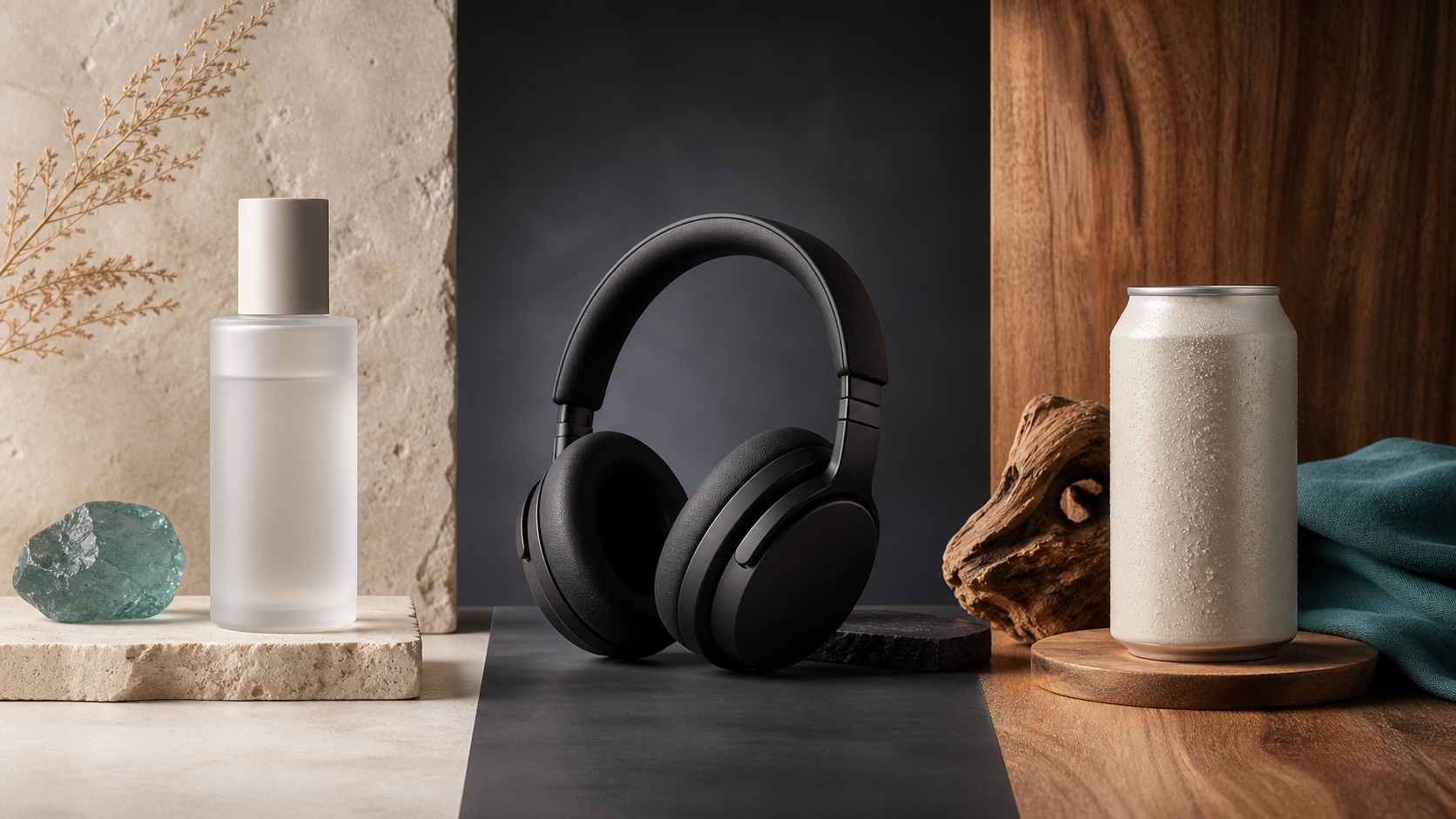
Create stronger product posters with a six-part Seedream 5.0 prompt formula, five product templates, three lighting setups, text rules, and a background-swap workflow.
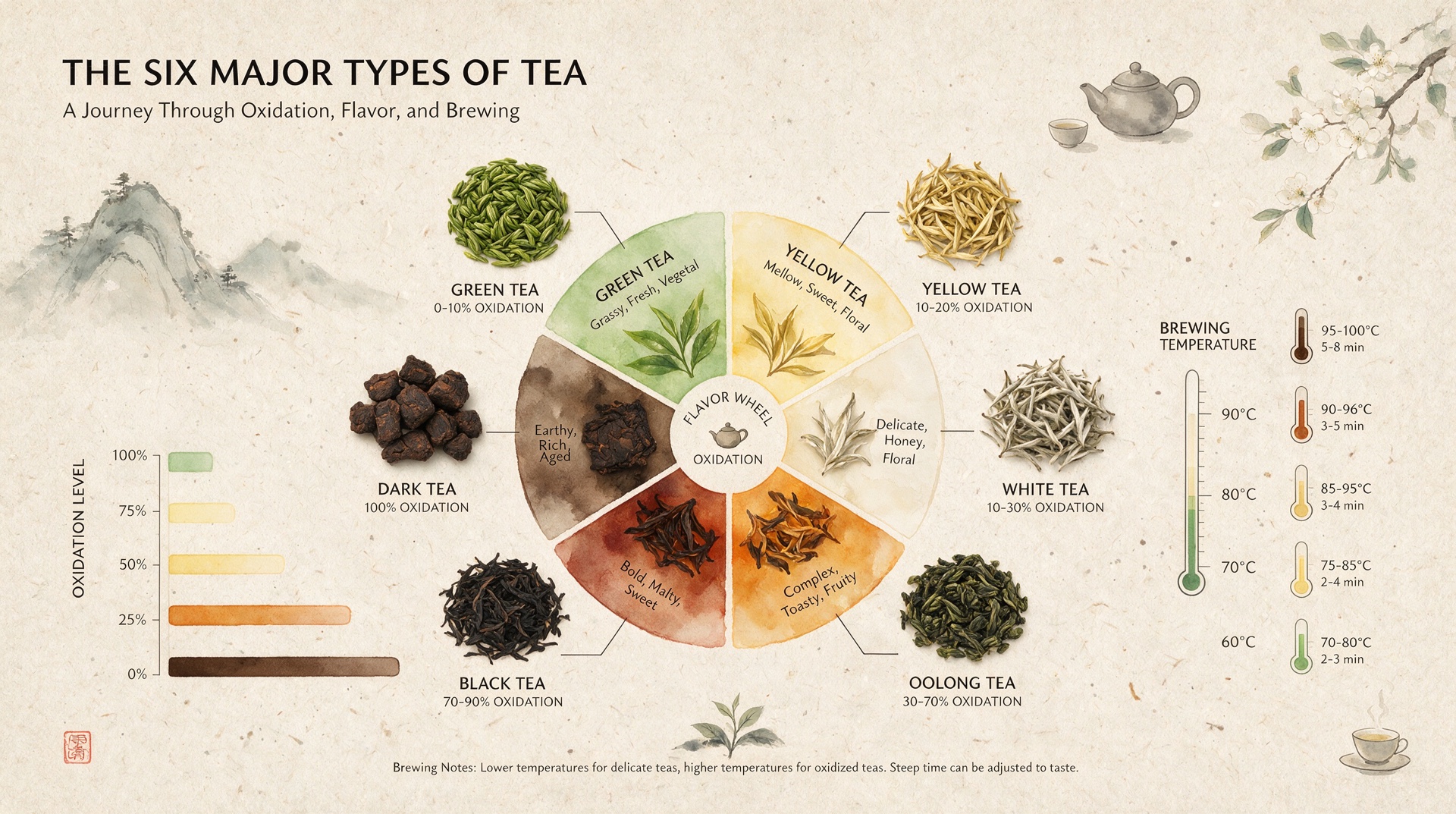
Create clearer AI infographics with a seven-part Seedream 5.0 prompt formula, five reusable templates, practical text tips, and five copy-ready examples.
Can't find what you're looking for? Contact our customer support team
Seedance Image to Video is an AI tool that turns a still image into a dynamic video. Upload a photo, add a prompt, and create motion with natural movement, camera direction, and visual consistency.
Bring a photo, product shot, or visual idea to Seedance Image to Video and create a share-ready AI video in minutes.