
AI Video Generator for Ecommerce: Create Product Videos That Sell (2026)
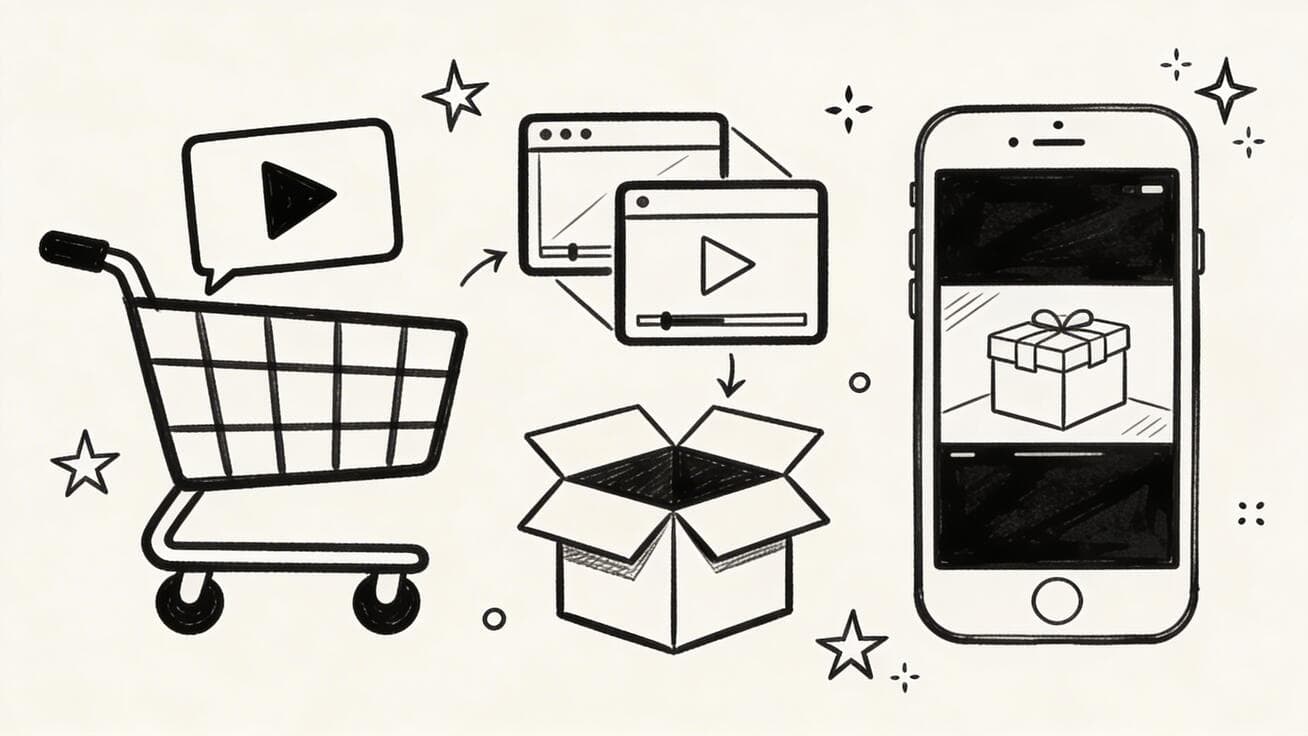
Product videos convert. According to multiple e-commerce studies, product pages with videos see 80-144% higher conversion rates than those with images alone. But producing professional product videos traditionally required expensive equipment, professional videographers, and significant post-production time.
Quick Answer: AI video generation with Seedance lets you create stunning, professional-quality videos from text prompts or images in just minutes — no editing experience required.
In 2026, AI video generators have changed everything. You can now create high-quality product showcase videos, animated ads, and lifestyle content in minutes — at a fraction of traditional costs. This guide covers the best AI video generators for e-commerce and exactly how to use them for maximum sales impact.
Ready to try it yourself?
Free credits on signup. Plans from $20/month.
Why Ecommerce Brands Need AI Video in 2026
The numbers are compelling:
- 72% of consumers prefer learning about products through video
- Product pages with video have 2x longer average session duration
- Social ads with video get 3x more engagement than static image ads
- Instagram Reels and TikTok algorithm heavily favor video content
- YouTube Shopping integration makes product videos shoppable
Yet most small and mid-size e-commerce brands still rely primarily on product photos. AI video generators close this gap by making video production accessible without professional crews or equipment.
Types of Ecommerce Videos You Can Create with AI
1. Product Showcase Videos
Animated 360° views, feature highlights, zoom-ins on product details. These are the workhorses of e-commerce video — they live on product pages and convert browsers into buyers.
2. Social Media Ads
Short-form content (15-30 seconds) for TikTok, Instagram Reels, and YouTube Shorts. These drive top-of-funnel awareness and retargeting campaigns.
3. Lifestyle Context Videos
Show your product being used in real-world scenarios. A travel bag being packed for a trip. A coffee mug on a cozy desk. Context sells.
4. Unboxing and Review-Style Content
AI-generated "unboxing" style videos that mimic the authentic creator content consumers trust.
5. Comparison Videos
Your product vs. the competition — or comparing your product variants against each other.
6. How-To and Tutorial Videos
Demonstrate product use, assembly, or styling — content that reduces returns and builds confidence.
Best AI Video Generators for Ecommerce
1. Seedance 2.0 — Best Overall for Product Videos
Seedance 2.0 is purpose-built for high-quality AI video generation and excels at product-focused content. Its image-to-video capability is particularly valuable for e-commerce: upload your product photo and get a professional animated video back.
Why it's great for ecommerce:
- Image-to-video: Animate existing product photography
- Text-to-video: Describe your product in action and get a video
- Consistent quality: Reliable output for batch production
- Fast generation: Create multiple video variants for A/B testing
- Free tier: Start generating without upfront investment
Best for: Product showcase, social media ads, lifestyle content
Try it free: seedance.tv
2. Runway Gen-4 — Best for Premium Brand Content
Runway's Gen-4 model produces cinematic quality video ideal for premium brand storytelling. If your brand competes on aesthetics (fashion, beauty, luxury goods), Runway delivers production values that match the premium positioning.
Why it's great for ecommerce:
- 4K resolution for print-quality video
- Advanced camera controls for cinematic product shots
- Style consistency features for brand cohesion
- Integration with professional video editing workflows
Best for: Premium/luxury brands, fashion, beauty
3. Pika 2.0 — Best for Social Media Volume
For brands that need to produce high volumes of social content across TikTok, Reels, and Shorts, Pika 2.0's speed and social-first orientation makes it ideal. Its lip-sync feature enables talking product ads.
Why it's great for ecommerce:
- Extremely fast generation (under 60 seconds)
- Optimized aspect ratios for every social platform
- Sound effects for more engaging ads
- Affordable pricing for high-volume production
Best for: Social media ads, TikTok/Reels, high-volume production
4. Kling 2.0 — Best for Fashion and Lifestyle
Kling 2.0 from Kuaishou has exceptional handling of human subjects and fashion contexts. For clothing, accessories, and lifestyle brands, Kling produces videos that feel authentic and aspirational.
Why it's great for ecommerce:
- Superior human character animation
- Excellent handling of fabric and clothing movement
- Strong performance with group/social scenes
- Detailed texture rendering
Best for: Fashion, apparel, accessories, lifestyle brands
Step-by-Step: Creating Product Videos with AI
Method 1: Image-to-Video (Most Common)
This is the fastest path from product photo to video:
Step 1: Prepare your product image
- Use your best product photo (white background or lifestyle context)
- Minimum 1024x1024 pixels for quality output
- Ensure good lighting and sharp focus
Step 2: Write your motion prompt
Gently rotate [product] 360 degrees, showing all angles. Soft studio lighting with subtle
lens flare. Professional product photography style. Slow, deliberate movement.
Step 3: Generate and review
- Generate 2-3 variants with slight prompt variations
- Select the best result
- Download and check quality at full resolution
Step 4: Add text/branding in post
- Use CapCut, Adobe Express, or Canva to add product name, price, CTA
- Add background music from royalty-free library
- Export in platform-appropriate format
Method 2: Text-to-Video (Lifestyle Context)
For lifestyle content where you don't have existing footage:
Step 1: Write a detailed scene description
A young professional organizes their desk in a modern home office. They pick up a
sleek [your product type], examine it approvingly, and set it in the perfect position
on their desk. Warm morning light through window. Clean, aspirational workspace aesthetic.
Step 2: Generate multiple options
- Create 4-5 variations with different subjects, settings, or lighting
- Test both vertical (9:16) and horizontal (16:9) formats
Step 3: Select and refine
- Pick the video that best represents your brand aesthetic
- Use as hero content for ads or website
Method 3: Batch Production for Catalog
For stores with large product catalogs:
- Standardize your prompt template — create a reusable template that works across product categories
- Batch generate — submit multiple products simultaneously
- Quality check — review all outputs, flag any that need regeneration
- Brand overlay — apply consistent branding in bulk using video editing tools
- Deploy — upload to product pages, social accounts, and ad platforms simultaneously
Prompts That Work for Ecommerce
Product Showcase Prompt Template:
[Product name/type] on a clean [white/marble/wood] surface. Camera slowly orbits around
the product, capturing every angle. [Specific feature] highlighted with gentle light.
Professional product photography style, soft shadows, neutral background.
Photorealistic, 4K quality.
Lifestyle Ad Prompt Template:
[Target customer description] using [product] in [setting/context]. They look [happy/satisfied/
impressed]. [Specific benefit] is clearly visible. [Time of day, lighting mood].
Natural, authentic feel — not overly staged. [Brand aesthetic: minimalist/vibrant/luxurious].
Social Media Ad Prompt Template:
Fast-paced, energetic product reveal. [Product] appears from [direction] with dynamic
motion. Quick cuts showing [feature 1], [feature 2], [feature 3].
Trendy, youth-oriented aesthetic. Vertical format (9:16).
Background music energy: [upbeat/calm/motivating].
Platform-Specific Video Specs
| Platform | Aspect Ratio | Length | File Size |
|---|---|---|---|
| TikTok | 9:16 | 15-60 sec | Max 287.6MB |
| Instagram Reels | 9:16 | 15-90 sec | Max 650MB |
| Instagram Feed | 1:1 or 4:5 | 3-60 sec | Max 100MB |
| Facebook Ads | 16:9, 1:1, 4:5 | 1-240 sec | Max 4GB |
| YouTube Shorts | 9:16 | Up to 60 sec | Max 256GB |
| Amazon Product | 16:9 | 6-45 sec | Max 500MB |
| 9:16 or 1:1 | 4-15 min | Max 2GB |
ROI: What to Expect from AI Ecommerce Video
Based on industry benchmarks and early adopter data:
Conversion rate improvement: 15-85% lift on product pages with video (varies by category and video quality)
Ad performance: Video ads typically achieve 2-3x higher click-through rates vs. static image ads at similar spend
Production cost savings: Traditional product video: $500-$5,000+ per video. AI-generated: $5-$50 per video (including tool subscription amortized)
Time to production: Traditional: 1-2 weeks (booking, shooting, editing). AI: 1-4 hours from concept to published
Scale: Traditional: 1-5 videos per project. AI: Unlimited — create a video for every product variant, every platform, every audience segment
Common Mistakes to Avoid
1. Neglecting platform optimization Don't post a 16:9 video on TikTok. Always generate or crop for the platform's native format.
2. Skipping brand consistency AI videos can look generic without brand elements. Always add your logo, brand colors, and consistent music style.
3. Over-generating without quality control More isn't always better. A few excellent videos outperform dozens of mediocre ones. Set quality standards and stick to them.
4. Ignoring audio Silent videos underperform. Add background music, sound effects, or voiceover — even simple options dramatically improve engagement.
5. Not testing variants A/B test at least 2 different video styles per product. What works for one category may not work for another.
Frequently Asked Questions
Can AI video generators animate my product photos?
Yes, the best AI video generators offer image-to-video features that can animate your existing product photography. Tools like Seedance 2.0, Runway, and Kling 2.0 can take a static product image and create smooth, professional-looking animated video.
What AI video generator is best for Shopify stores?
Seedance 2.0 and Pika 2.0 are both excellent for Shopify merchants. Seedance offers the best image-to-video quality for product animation, while Pika's speed and social formats work well for driving Shopify traffic from TikTok and Instagram.
How long should ecommerce product videos be?
For product pages: 15-45 seconds. For social ads: 6-15 seconds for top-of-funnel, 15-30 seconds for consideration. Always include the key value proposition in the first 3 seconds regardless of total length.
Are AI-generated product videos allowed on Amazon?
Amazon allows AI-generated product videos as long as they accurately represent the product. They cannot include misleading claims, competitor comparisons, or text overlays with unverifiable claims. Always review Amazon's current product video guidelines before publishing.
Can I use AI product videos in paid ads?
Yes, AI-generated videos can be used in paid ads on Google, Facebook, Instagram, TikTok, and Pinterest. Disclosure requirements for AI-generated content vary by platform and are evolving — always check current platform policies.
Ready to create your first AI product video? Start with Seedance 2.0 — upload a product photo and watch it come to life in minutes.
Also useful: Best AI Video Generator 2026 | AI Video Generator for Instagram Reels | How to Turn Photos into Videos with AI
Our Verdict
After thorough evaluation, Seedance stands out as our top recommendation for AI video generation. Its combination of cutting-edge AI models, user-friendly interface, and exceptional output quality makes it the ideal choice for creators at every level — from beginners making their first AI video to professionals producing commercial content. Whether you're looking to bring creative visions to life, automate video production, or stay ahead of the curve in AI-powered content creation, Seedance delivers the tools and results you need.
Ready to try it yourself?
Put the steps from this guide into practice with Seedance and turn prompts or images into polished videos in minutes.
Free credits on signup. Plans from $20/month.
Related Articles
More posts in the same locale you may want to read next.
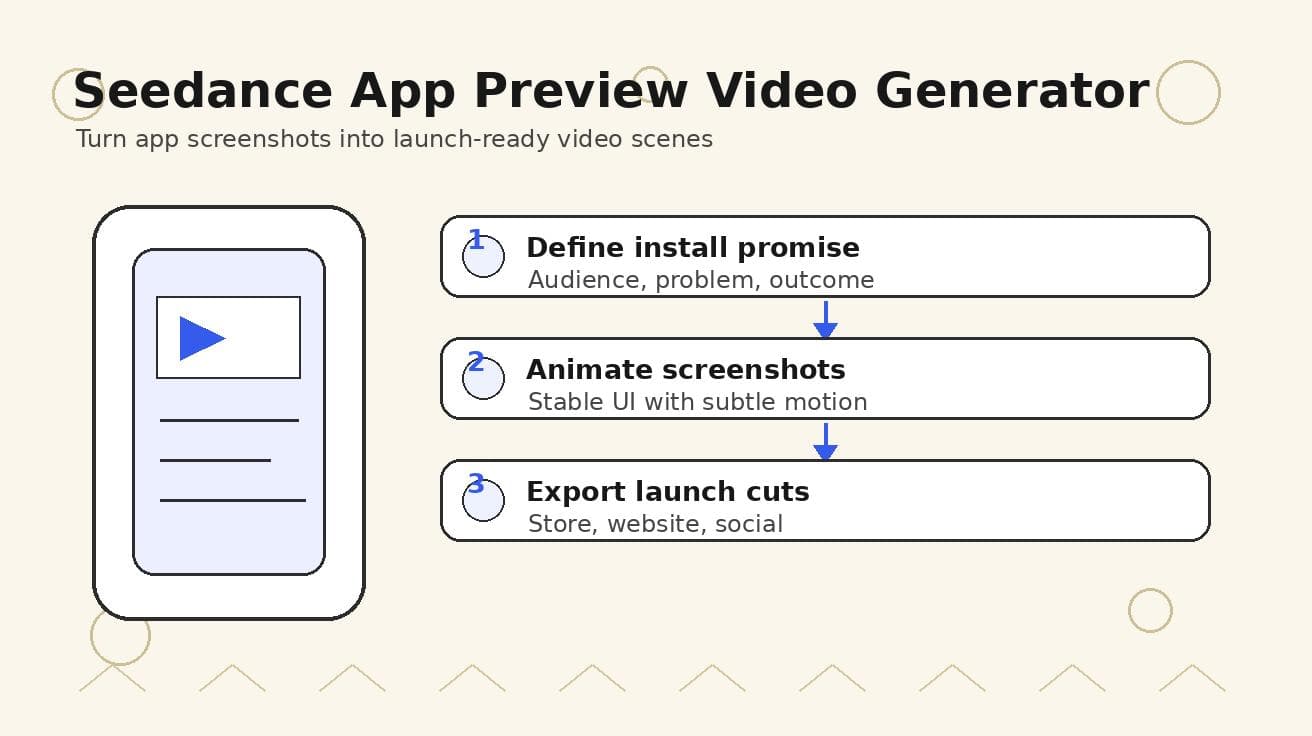
Seedance App Preview Video Generator 2026: Create App Store and Product Launch Clips
Use Seedance to turn app screenshots, feature copy, and launch goals into App Store previews, Google Play promo videos, and product launch clips.
Read article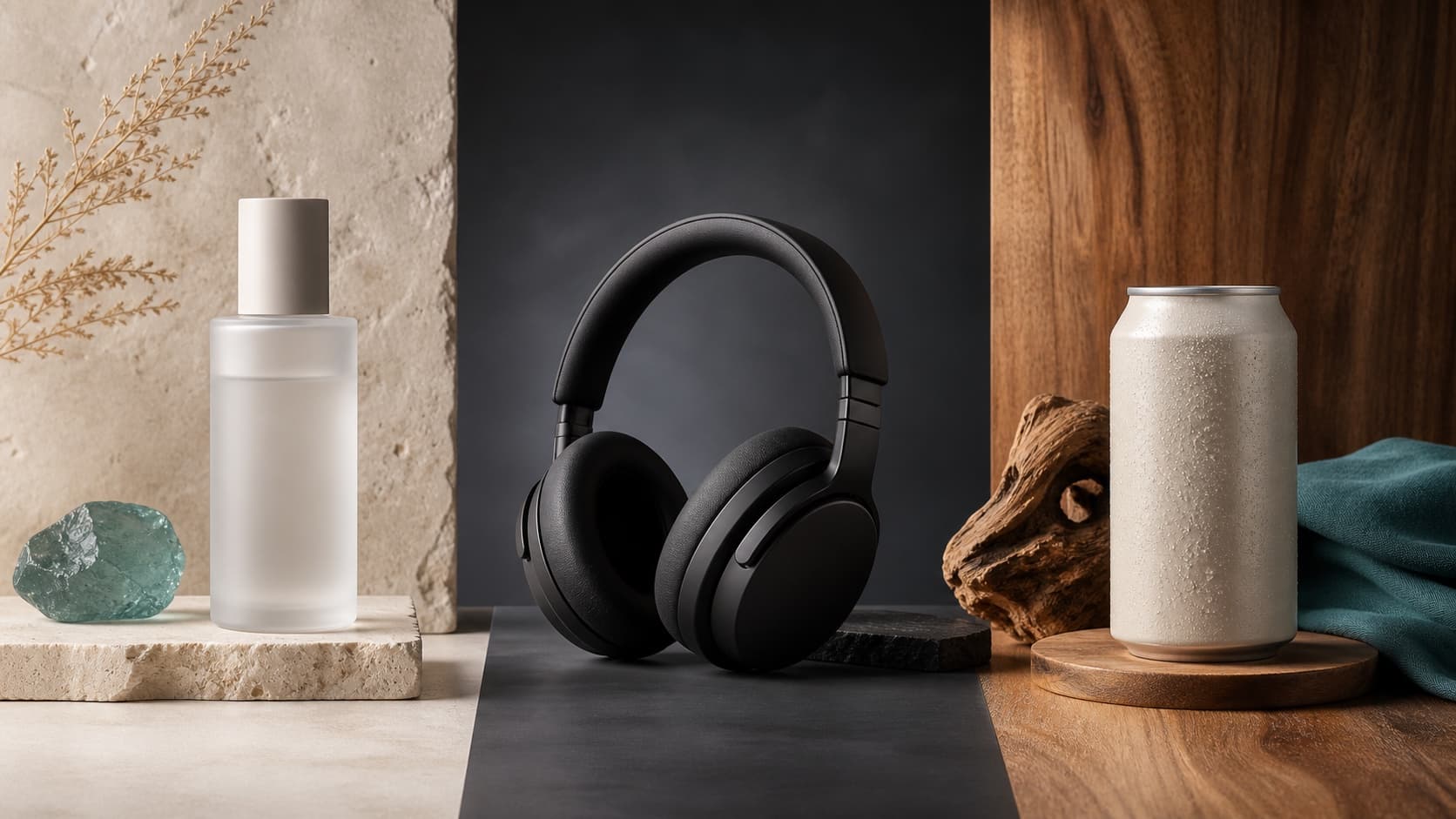
Seedream 5.0 Product Poster Prompts: Templates, Lighting, and Background Swap Guide
Create stronger product posters with a six-part Seedream 5.0 prompt formula, five product templates, three lighting setups, text rules, and a background-swap workflow.
Read article
Seedream 5.0 Infographic Prompts: Templates, Text Tips, and 5 Copy-Ready Examples
Create clearer AI infographics with a seven-part Seedream 5.0 prompt formula, five reusable templates, practical text tips, and five copy-ready examples.
Read article