
Best AI Video Generator for YouTube Shorts 2026: Create Viral Short-Form Videos
YouTube Shorts has exploded in popularity, now generating over 70 billion daily views. AI video generators are transforming how creators produce Shorts content — letting you create professional, engaging videos in minutes rather than hours. This guide covers the best AI video generators for YouTube Shorts in 2026, with a focus on tools that help you create content that actually goes viral.
Quick Answer: Best AI Video Generator for YouTube Shorts 2026: Create Viral Short-Form Videos — this step-by-step guide shows you how to use Seedance's AI-powered tools to achieve professional results in minutes, even if you're a complete beginner.
Why YouTube Shorts Demands a Different Approach
Creating effective YouTube Shorts isn't just about shortening your regular content. Shorts have unique requirements that make AI generation particularly valuable:
Format specifics:
Ready to try it yourself?
Free credits on signup. Plans from $20/month.
- Vertical format (9:16 aspect ratio)
- 60 seconds maximum duration
- First 2-3 seconds must hook viewers (high scroll rate on mobile)
- Auto-loop means endings should feel natural
- Music and sound are critical engagement drivers
Algorithm factors:
- Watch completion rate is the #1 ranking factor
- Shares and replays boost distribution significantly
- Posting frequency matters more than on long-form
- Trending sounds and topics get algorithmic boost
The AI advantage: AI video generators let you produce 5-10 Shorts per day instead of 1-2, dramatically increasing your chances of creating viral content and growing your channel faster.
Best AI Video Generators for YouTube Shorts in 2026
1. Seedance 2.0 — Best Overall for Shorts
Seedance 2.0 is designed specifically for social media content creation, making it the top choice for YouTube Shorts production.
Why Seedance excels at Shorts:
- 9:16 native output: Generate vertical videos directly, no cropping needed
- Short-form optimization: Models trained on high-performing social content
- Fast generation: Create a 30-60 second video in 2-3 minutes
- Style consistency: Maintain visual consistency across a series of Shorts
- Free tier available: Generate your first Shorts for free
Best Seedance features for Shorts:
- Text-to-Video: Turn your script ideas into engaging video content instantly
- Image-to-Video: Animate your photos and illustrations for compelling Shorts
- Multiple style options: cinematic, animated, lifestyle, educational
Pricing: Free tier with limitations; paid plans from $29/month
2. Veo 3 (via veo3ai.io)
Google's Veo 3 produces extremely high-quality video generation and works well for Shorts when configured for 9:16 output.
Strengths for Shorts:
- Exceptional video realism
- Native audio generation
- Strong instruction following for specific shot types
Limitations:
- Access through Google One AI Premium ($19.99/month)
- Less optimized for rapid iterative short-form production
- Better for high-quality individual clips than volume production
3. Runway Gen-4
Runway is a strong contender for cinematic-quality Shorts, particularly effective for narrative-style content.
Best for:
- Story-driven Shorts
- Cinematic-quality brand content
- Creators who want director-level control
Pricing: From $15/month (limited credits)
4. Kling 3.0
Kling excels at character animation and is particularly popular in Asian markets.
Best for:
- Character-based storytelling
- Anime and stylized content
- Tutorials with human presenters
5. Pika 2.0
Pika is user-friendly and produces solid results for many types of Shorts.
Best for:
- Beginners getting started with AI video
- Quick, simple concept videos
- Product showcase content
Step-by-Step: Creating a YouTube Short with AI
Here's the exact workflow for creating high-quality YouTube Shorts using Seedance 2.0:
Step 1: Define Your Concept (2 minutes)
Before generating anything, answer:
- Hook: What will make viewers stop scrolling in the first 2 seconds?
- Value: What will viewers learn or feel?
- Call to action: What should viewers do after watching?
Example concept:
- Hook: "This AI trick saves 3 hours every week"
- Value: Show a specific AI workflow that saves time
- CTA: "Like if you want to see more AI tips"
Step 2: Write Your Script (5 minutes)
For a 45-second Short, you need approximately 120-130 words (speaking pace: ~150 words/minute with pauses).
Script structure for Shorts:
0:00-0:03 → Hook (visual + text overlay)
0:03-0:15 → Context/Setup
0:15-0:35 → Main content (the actual value)
0:35-0:45 → Punchline/Resolution + soft CTA
Step 3: Generate with Seedance 2.0
- Go to Seedance 2.0 and start a new project
- Select vertical format (9:16 or Short-specific template)
- Input your prompt: Be specific about action, style, and mood
Example prompts that work well:
For tutorials:
"A person at a modern desk working on a laptop,
fast-motion hands typing, text overlays appearing showing steps,
clean minimal workspace, 9:16 vertical format, bright and energetic"
For lifestyle content:
"Morning routine aesthetic, person in modern kitchen making coffee,
golden hour lighting, slow motion pour, vertical composition,
warm and aspirational mood"
For product showcases:
"Close-up product demo of [product], clean white background,
hands demonstrating features, professional lighting, vertical format,
satisfying transitions between feature reveals"
Step 4: Add Captions and Text Overlays
YouTube Shorts perform better with on-screen text because many viewers watch without sound. After generating your video:
- Add your hook text in the first 2-3 seconds
- Include key points as text overlays throughout
- Add your CTA text at the end ("Follow for more", "Link in bio")
- Use captions for any speech in your video
Step 5: Add Music
Choose trending sounds strategically:
- Browse YouTube Shorts trending audio: Use sounds with the ♪ icon that shows trending status
- Match energy to content: Upbeat for tutorials, emotional for story content
- Volume balance: Keep music around 30-40% volume so it supports, not overwhelms
Step 6: Export and Upload
Export settings for YouTube Shorts:
- Resolution: 1080x1920 (9:16)
- Format: MP4 (H.264)
- Frame rate: 30fps minimum
- Bitrate: 8-16 Mbps for best quality
YouTube upload checklist:
- Title: Include keyword + hook in first 60 characters
- Description: 2-3 sentences with relevant hashtags
- Hashtags: #Shorts plus 3-5 niche hashtags
- Thumbnail: Even for Shorts, upload a custom thumbnail
AI Strategies for Viral YouTube Shorts
The Volume + Quality Strategy
The most successful Shorts creators combine volume with quality:
Volume targets:
- Post minimum 1 Short per day
- Aim for 2-3 per day during growth phase
- With AI generation, this is achievable in 1-2 hours daily
Quality maintenance:
- Maintain a consistent visual style
- Always start with a strong hook
- Ensure every Short delivers actual value
- Review performance weekly and cut what doesn't work
Trend-Jacking with AI
One of AI's greatest advantages for Shorts is the ability to quickly produce trend-responsive content:
- Monitor trends daily: YouTube Trending, Google Trends, Twitter/X trending
- Identify your angle on the trend (how does it relate to your niche?)
- Write a script in 5-10 minutes connecting trend to your niche
- Generate with Seedance: Create the video in 2-3 minutes
- Publish immediately: Speed is critical for trend content
Series Content with AI Consistency
AI generators like Seedance allow you to maintain perfect visual consistency across a series:
Example series structure:
- "AI Tool of the Week" — consistent studio background, same host framing
- "60 Second AI Tutorial" — branded intro, consistent UI style
- "AI vs Human" — consistent split-screen format
Use Seedance's style reference feature to ensure each video in your series looks like it belongs together.
A/B Testing Hooks with AI
Create multiple versions of your hook (first 2-3 seconds) to test which performs best:
- Generate the same video content with 3-5 different opening hooks
- Post each variant on different days at the same time
- Track view completion rates after 48 hours
- Double down on the hook style that performs best
YouTube Shorts Optimization in 2026
Thumbnail Optimization
Despite being a short-form format, custom thumbnails matter:
- Thumbnails appear in search results and suggested videos
- High-contrast images with visible text perform best
- Show a face when relevant (higher CTR in most niches)
- Use AI image generation (Seedance or Imagen 3) to create perfect thumbnails
Title Optimization
YouTube Shorts titles follow slightly different rules than long-form:
High-performing patterns:
- Question format: "Is this the best AI video tool of 2026?"
- Numbered: "3 ways AI is changing [topic]"
- Bold statement: "AI just replaced this job forever"
- How-to: "How I generate 30 Shorts in one hour"
Title length: 40-60 characters optimal (shows fully on mobile)
Description and Tags
Even though Shorts descriptions are rarely read, they help with SEO:
- First line should expand the title with additional keywords
- Include relevant hashtags (5-10 max, #Shorts mandatory)
- Add a CTA with your social links or website URL
Posting Schedule
Consistency beats perfection for algorithm growth:
Best posting times for Shorts (varies by audience, A/B test your own):
- Weekdays: 12-3 PM and 7-9 PM local audience time
- Weekends: 10 AM - 2 PM and 8-10 PM
- Post daily minimum; twice daily during growth phase
Why AI generators make daily posting possible: Traditional video creation takes 2-8 hours per video. With AI generation via Seedance, you can produce a publish-ready Short in 15-30 minutes including script, generation, and basic editing.
Content Ideas for YouTube Shorts (AI-Powered)
Here are 30 content categories that work well with AI video generation:
Educational:
- Quick how-to tutorials (any niche)
- Fact reveals and surprising statistics
- Before/after demonstrations
- "Did you know?" style content
Entertainment:
- AI-generated cinematic scenes
- Visual concept explorations
- "What if" scenarios
- Time-lapse and transformation videos
Business and Marketing:
- Product showcases and demos
- Customer testimonial highlights
- Behind-the-scenes content
- Brand storytelling
AI-Specific Content:
- AI tool tutorials (meta: using AI to create content about AI)
- AI news and updates
- AI-generated art showcases
- Comparisons between AI tools
Tracking Your Shorts Performance
To optimize your strategy, track these metrics weekly:
Primary metrics:
- View count: Total views per Short
- Average view duration: Higher is better; 100% completion = repeat loops
- Subscriber conversion: How many new subscribers per 1000 Short views
- Likes rate: Likes / views ratio
Secondary metrics:
- Share rate: Shares / views (indicates viral potential)
- Comments per view: High engagement indicator
- Click-through to long-form: Are Shorts driving long-form views?
Weekly review process:
- List your top 3 performing Shorts this week
- Identify what made them work (hook, topic, style, timing)
- Plan next week's content based on what's working
- Archive or delete Shorts performing significantly below average
Getting Started Today
Creating viral YouTube Shorts with AI in 2026 is more accessible than ever. Here's your action plan:
Today:
- Sign up for Seedance 2.0 free tier
- Write 3 Short scripts in your niche
- Generate your first AI Short (takes 15 minutes)
- Post it with optimized title and hashtags
This week:
- Post 1 Short daily
- Try 3 different hook styles
- Analyze your data after 7 days
- Double down on what works
This month:
- Establish a consistent posting schedule
- Build your first Short series
- Track subscriber and view growth
- Optimize based on performance data
The creators who build audiences in 2026 won't necessarily have the biggest budgets or best equipment — they'll be the ones who use AI tools effectively to produce high-quality content consistently.
Ready to start? Try Seedance 2.0 free and create your first AI-powered YouTube Short today.
Frequently Asked Questions
Q: Can I monetize YouTube Shorts made with AI generators? A: Yes, AI-generated Shorts are eligible for YouTube monetization through the YouTube Partner Program, as long as they follow YouTube's content policies and the AI tool's usage terms.
Q: How many Shorts should I post per day? A: Start with 1 per day consistently. Once you've established a rhythm, 2-3 per day during growth phase significantly accelerates channel growth.
Q: Do YouTube Shorts work for every niche? A: Shorts work for almost every niche, but some perform better than others. Education, entertainment, how-to, and news/commentary niches typically see the best Shorts performance.
Q: What's the best length for YouTube Shorts? A: Under 30 seconds generally gets better completion rates. 30-60 second Shorts work well for tutorials where viewers need more time to absorb information.
Q: Do I need to show my face in Shorts? A: No. AI-generated videos, animations, and b-roll with voiceover all perform well. However, face-to-camera Shorts often build more personal connection and subscriber loyalty.
Advanced AI Techniques for YouTube Shorts Success
Repurposing Long-Form Content into Shorts
One of the most efficient strategies is using AI to extract the best moments from long-form content:
The clip extraction workflow:
- Create your long-form video (tutorial, podcast, vlog)
- Use AI to identify the 3-5 most shareable moments
- Generate AI B-roll with Seedance to visually enhance these moments
- Add context captions to make each moment self-contained
- Post each as an individual Short with a link to the full video
This strategy means every long-form video becomes 3-5 Shorts, multiplying your content output without additional scripting.
Creating a Content Calendar with AI
Using AI to plan your Short calendar removes creative blocks and ensures consistent posting:
Monthly planning process:
- Identify 4-5 content pillars for your channel (e.g., tutorials, reviews, commentary, behind-scenes)
- Use AI to brainstorm 5 ideas per pillar = 20-25 ideas
- Schedule 2 ideas per pillar per week = consistent variety
- Reserve 3-4 slots for trending or timely content
Batch production schedule:
- Monday: Script 7 Shorts for the week
- Tuesday: Generate all 7 videos with Seedance
- Wednesday: Edit, add captions, and music
- Thursday-Wednesday: Post 1 per day
This batching approach means you spend 3 focused days per week on production and then just execute your posting schedule.
Building Brand Consistency Across Shorts
For channels that want a recognizable brand aesthetic, Seedance's style consistency features are particularly valuable:
Brand elements to standardize:
- Color palette: Define 2-3 main colors for backgrounds and overlays
- Font choices: Consistent caption fonts and sizes
- Intro/outro: 1-2 second branded opening and closing
- Music selection: Build a library of 5-10 tracks that fit your brand
Seedance workflow for brand consistency:
- Create a "brand template" project with your standard visual elements
- Generate all Shorts starting from this template
- The AI maintains style consistency across generations
- Each new Short feels like part of a cohesive series
Collaborating with AI on Script Writing
Beyond video generation, AI tools can help with the script writing phase:
AI-assisted script workflow:
- Give the AI a topic and your channel's voice/tone guidelines
- Ask for 5 different hook angles for the same topic
- Choose the strongest hook and develop it into a full script
- Use the AI to optimize pacing and clarity
- Generate the video from your refined script
This collaborative approach combines human judgment (which hook is right for your audience) with AI efficiency (rapid generation of multiple options).
Monitoring Competitor Shorts Strategy
Successful Shorts creators study what works across their niche:
Weekly competitor analysis:
- Identify 10 creators in your niche with successful Shorts
- Note which Shorts have the highest view-to-subscriber ratios
- Analyze: What hooks are they using? What topics? What visual styles?
- Adapt (not copy) the patterns that work for your own content
AI video generators make it faster to test different styles you observe in competitor analysis — you can generate a test video in the style of a successful competitor and see if it resonates with your audience.
Leveraging Shorts to Drive Long-Form Views
Many creators overlook Shorts as a funnel for long-form content:
The Shorts-to-long-form funnel:
- Create a Short that teases an interesting topic
- End with "Watch the full breakdown on my channel"
- Pin a comment with the link to the full video
- Track click-through rates to optimize the tease approach
Shorts that successfully drive long-form views show YouTube your channel delivers value across both formats, which can improve your overall channel authority.
Analytics-Driven Iteration with AI Production
The combination of analytics data and fast AI production creates a powerful improvement loop:
The weekly iteration cycle:
- Sunday review: Analyze last week's Shorts performance in YouTube Studio
- Pattern identification: Which topics, hooks, and styles performed best?
- Monday planning: Script 7 new Shorts that lean into what worked
- Tuesday generation: Produce all videos with Seedance in 2-3 hours
- Continuous posting: Maintain your daily schedule
This tight feedback loop means your channel improves every single week. Creators using AI generation can complete this entire cycle in one day, while traditional creators might take a week just to produce enough content.
Conclusion: AI is Transforming YouTube Shorts Creation
The landscape of YouTube Shorts creation has fundamentally changed in 2026. What once required video equipment, editing skills, and hours of production time can now be accomplished with AI video generators like Seedance 2.0 in a fraction of the time.
The key advantages are clear: faster production enables more consistent posting, which fuels algorithmic growth. Better analytics iteration closes the loop between what you create and what actually resonates with viewers. And the creative freedom that comes from removing production bottlenecks means you can experiment more freely, finding your voice and your audience more quickly.
Whether you're a beginner just starting your YouTube journey or an established creator looking to accelerate your growth, AI video generators are now an essential part of the Shorts creator toolkit. Start with Seedance 2.0 for free today and experience firsthand how AI production transforms your YouTube Shorts workflow.
Ready to try it yourself?
Put the steps from this guide into practice with Seedance and turn prompts or images into polished videos in minutes.
Free credits on signup. Plans from $20/month.
Related Articles
More posts in the same locale you may want to read next.
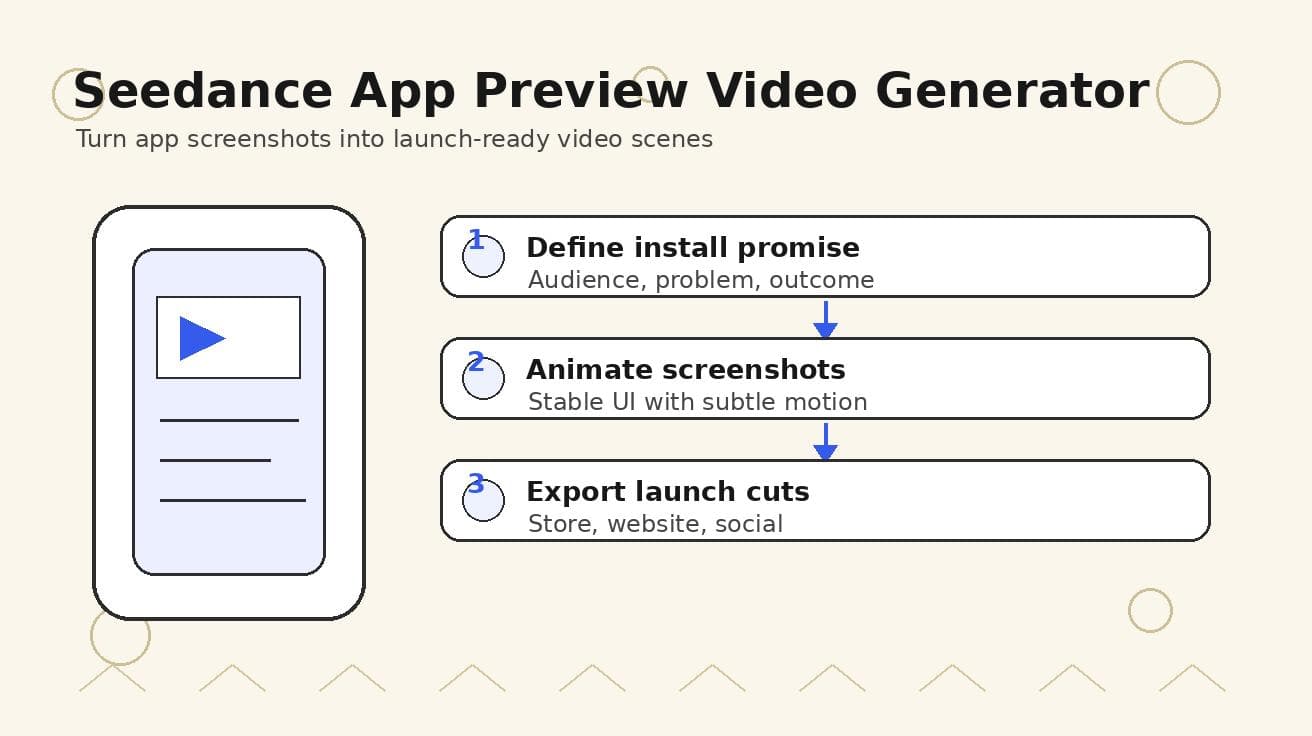
Seedance App Preview Video Generator 2026: Create App Store and Product Launch Clips
Use Seedance to turn app screenshots, feature copy, and launch goals into App Store previews, Google Play promo videos, and product launch clips.
Read article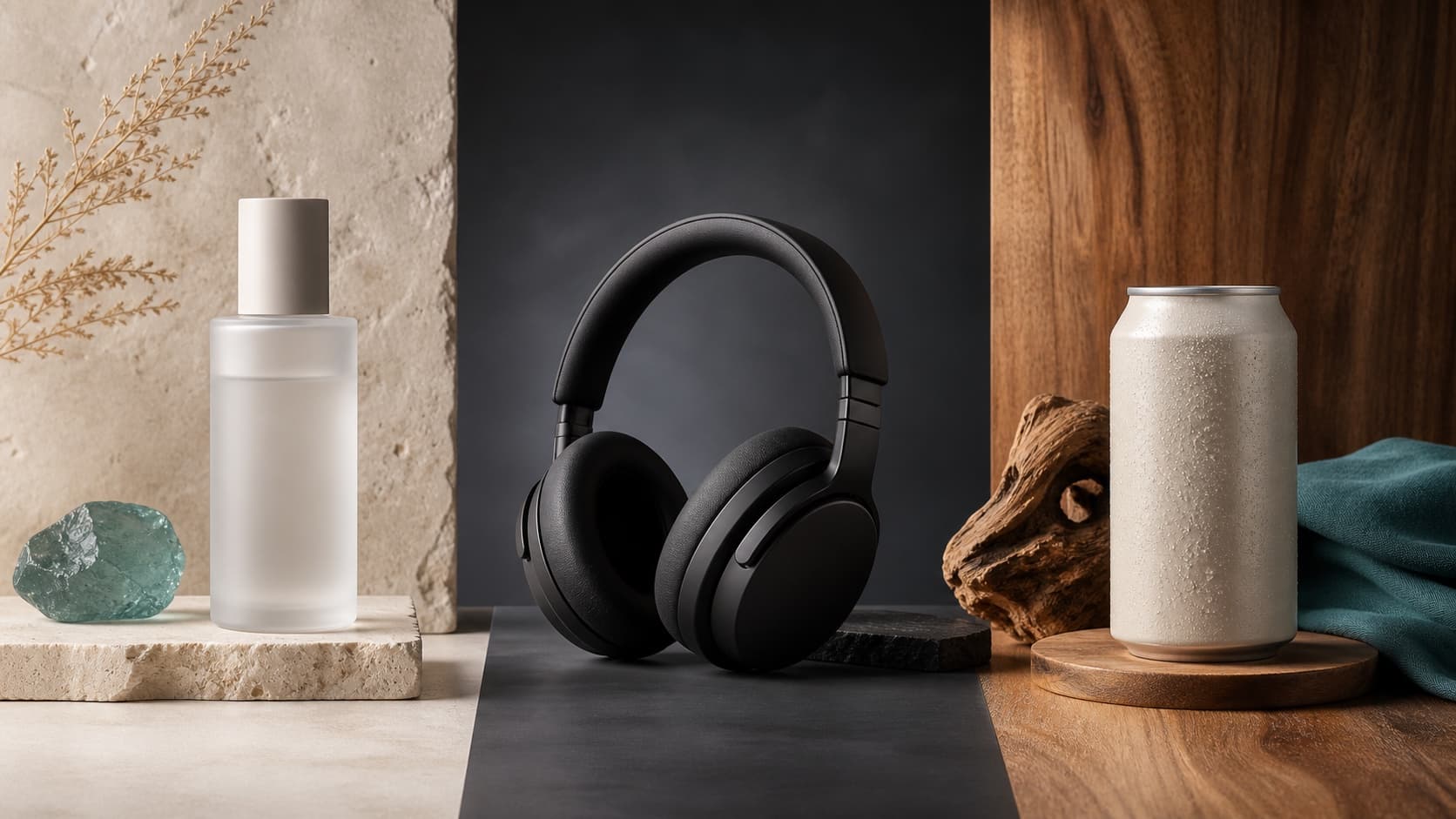
Seedream 5.0 Product Poster Prompts: Templates, Lighting, and Background Swap Guide
Create stronger product posters with a six-part Seedream 5.0 prompt formula, five product templates, three lighting setups, text rules, and a background-swap workflow.
Read article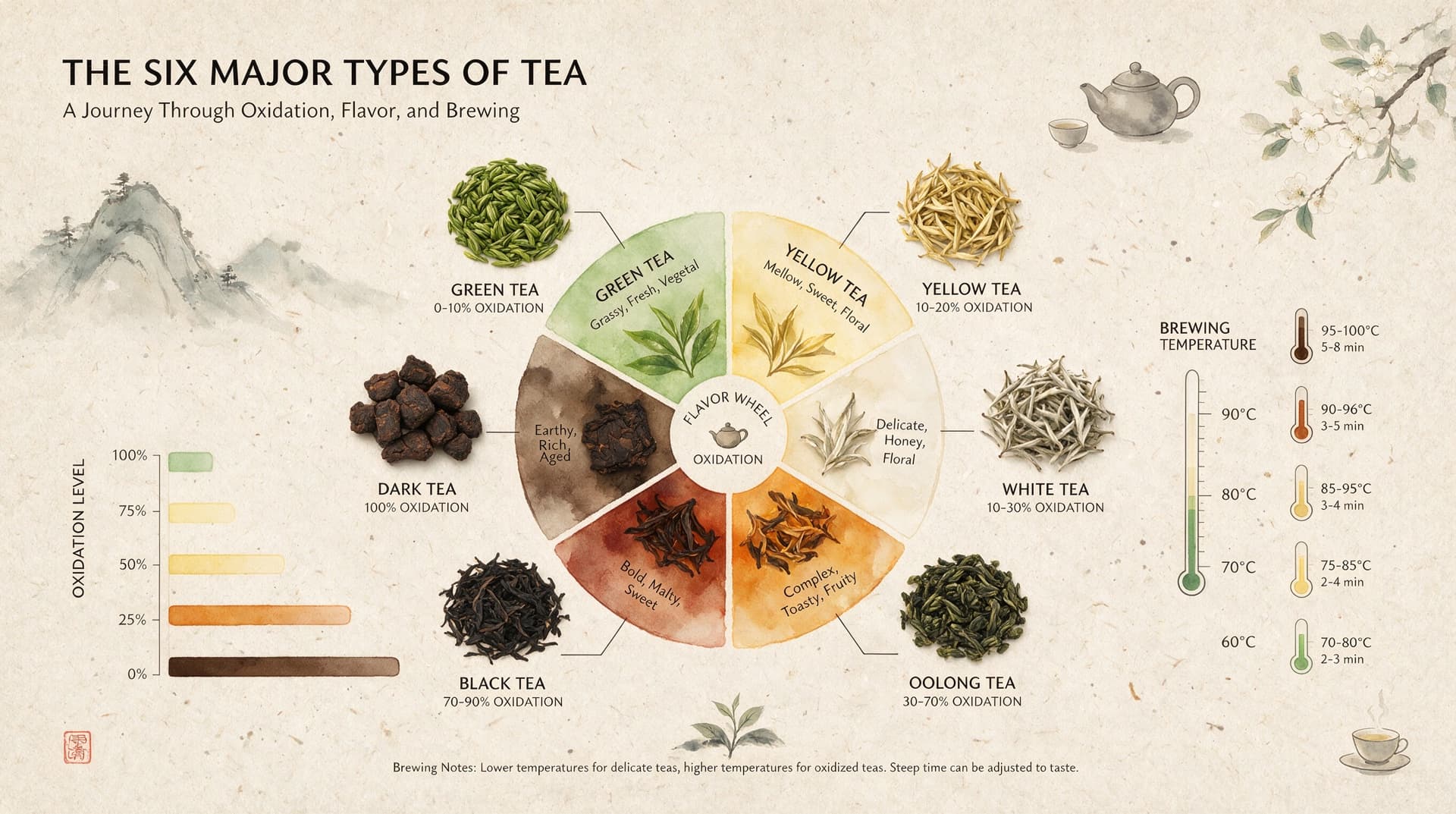
Seedream 5.0 Infographic Prompts: Templates, Text Tips, and 5 Copy-Ready Examples
Create clearer AI infographics with a seven-part Seedream 5.0 prompt formula, five reusable templates, practical text tips, and five copy-ready examples.
Read article