
Seedance Versions Explained: Seedance 1.0 vs 2.0 and the V1 Pro Tiers
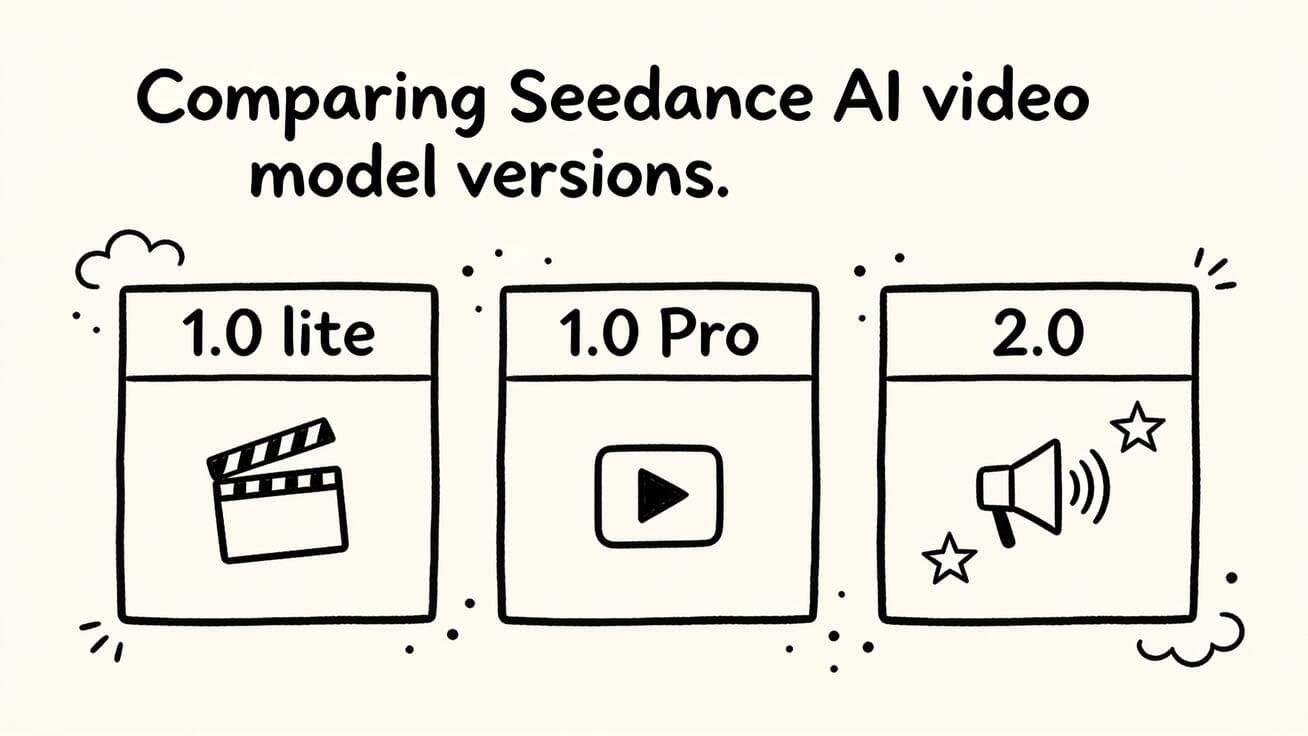
If you have opened the Seedance model picker lately, you have probably seen more than one option: Seedance 2.0, the older Seedance 1.0 Pro, and a couple of lighter legacy tiers. Picking the wrong Seedance version wastes credits and gives you a clip that misses the mark. This guide breaks down the Seedance versions side by side — what changed between Seedance 1.0 and 2.0, where the V1 Pro tier still earns its place, and exactly which one to choose for image-to-video, text-to-video, ads, and longer multi-shot stories.
We will keep it practical: real capability differences (resolution, duration, audio, motion, references), a selection matrix you can act on, copy-ready prompts, and a QA checklist before you export. By the end you will know which Seedance version to pick for your next video without guessing.
Quick Answer: Which Seedance Version Should You Use?
For most creators in 2026, the short answer is:
Ready to try it yourself?
Free credits on signup. Plans from $20/month.
- Use Seedance 2.0 for anything that needs sound, longer runtime, multi-shot storytelling, 2K output, or multiple reference images. It is the current flagship and the default for product demos, social ads, and short narrative pieces.
- Use Seedance 1.0 Pro (V1 Pro) when you want a fast, dependable single clip at up to 1080p, you do not need native audio, and you want to spend fewer credits per generation. It is still excellent for clean image-to-video loops, B-roll, and quick iterations.
- Use a Seedance 1.0 lite / legacy tier only for cheap rapid drafts, thumbnail-scale tests, or when you are batch-generating many throwaway variations to find a direction.
If you are unsure, start in Seedance 2.0 for the hero shot, then drop to V1 Pro to mass-produce supporting variants once your prompt is locked. The rest of this guide explains why, with the concrete specs behind each choice.
How the Seedance Versions Line Up
ByteDance has shipped Seedance as a family of models, not a single product. Each version targets a different balance of quality, speed, and cost. Here is the lineup as it stands in mid-2026.
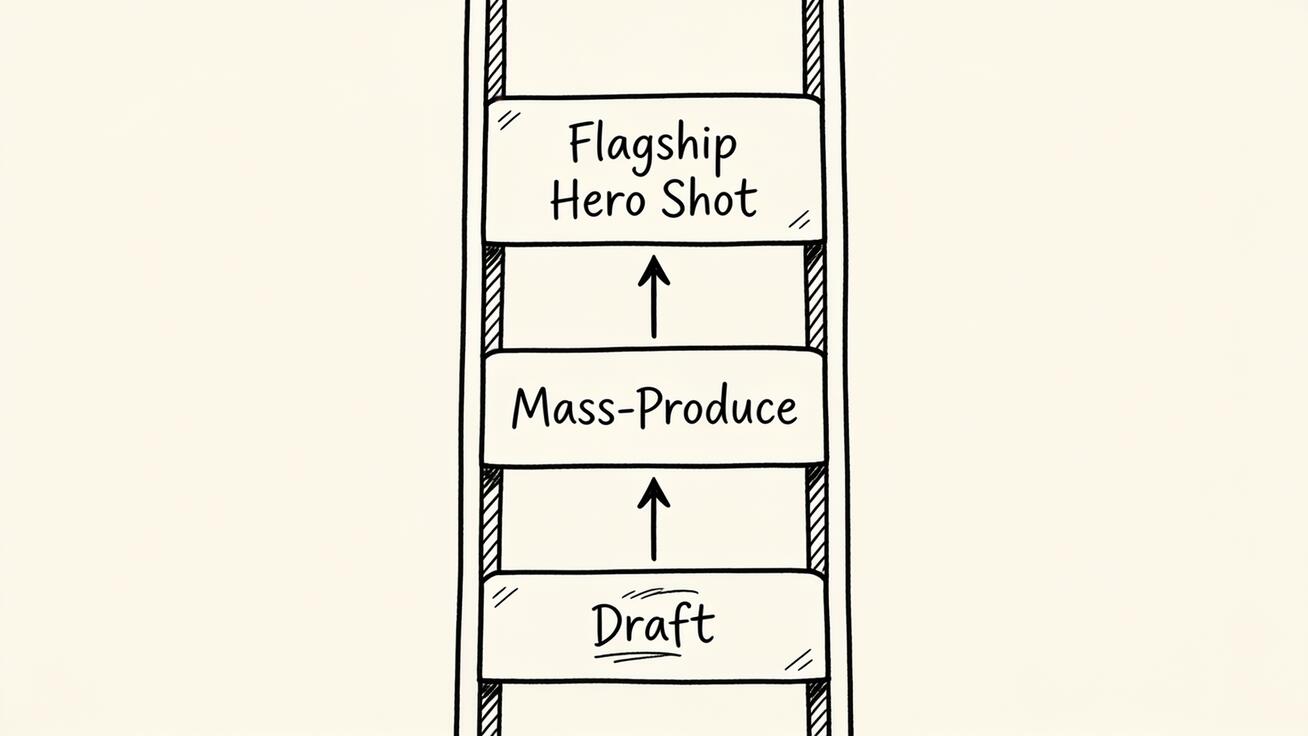 Think of the Seedance versions as a ladder — draft cheap, produce on V1 Pro, reserve 2.0 for the hero shot.
| Version / tier | Best for | Max resolution | Typical clip length | Native audio | Reference inputs |
|---|---|---|---|---|---|
| Seedance 2.0 | Flagship: ads, demos, multi-shot stories | Up to 2K | Longer, multi-shot | Yes, synchronized | Text, image(s), audio, video reference |
| Seedance 1.0 Pro (V1 Pro) | Reliable single clips, B-roll, loops | Up to 1080p | Short single clip | No (audio added later in some 1.5 Pro builds) | Text, single image |
| Seedance 1.0 lite / legacy | Cheap drafts, fast iteration | 720p–1080p | Short single clip | No | Text, single image |
A few notes so you read this table correctly:
- Seedance 1.0 Pro launched first (around mid-2025) and was a strong, silent video generator — meaning it produced video without an audio track, like most models of that generation.
- Seedance 2.0 is a ground-up redesign released in early 2026, not a small patch. It is a multimodal model that takes text, images, audio, and video as inputs and produces synchronized audio in the same pass.
- Exact numbers (credit costs, the longest available duration, fps) shift as ByteDance updates the service, so always confirm the live values in the Seedance model picker before a paid batch. The relationships between tiers below are stable; the precise caps can move.
What Actually Changed from Seedance 1.0 to 2.0
If you only remember four differences between the Seedance versions, make it these.
1. Audio: silent vs synchronized
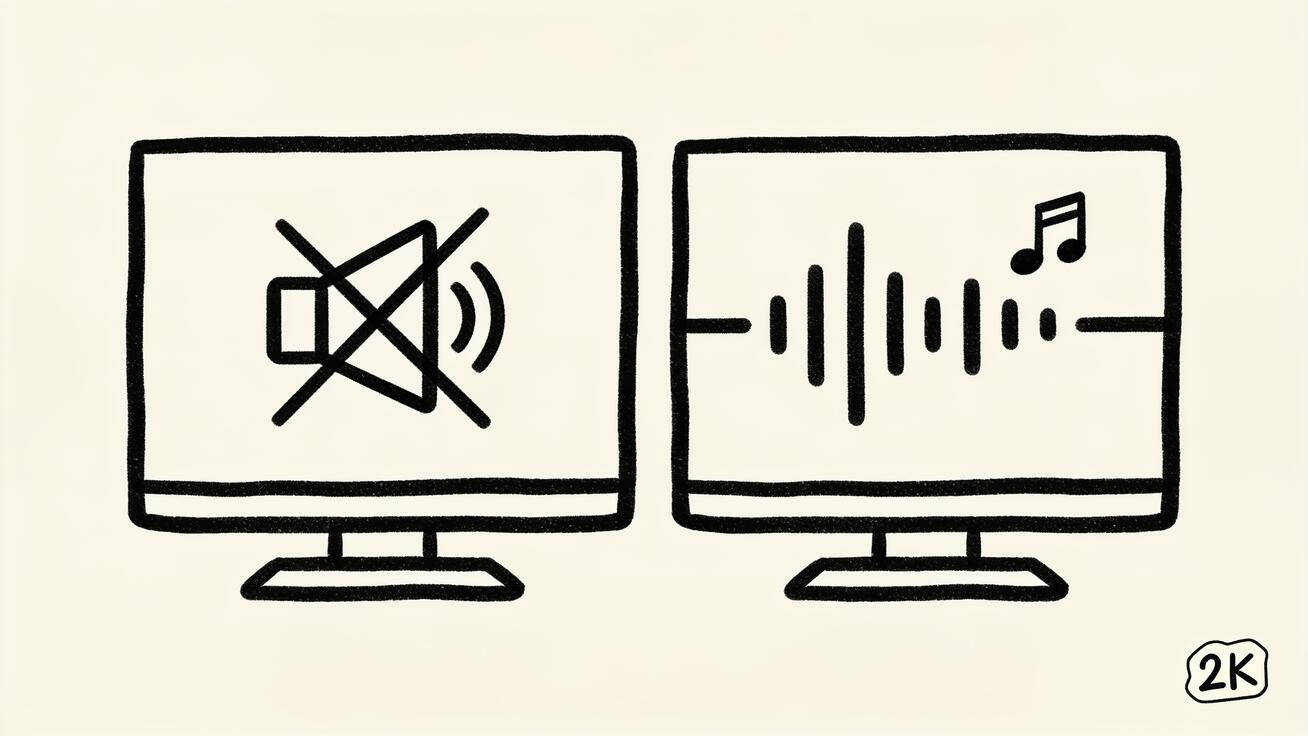 The headline change between Seedance versions: 1.0 produces silent video; 2.0 generates synchronized audio and up to 2K.
This is the headline upgrade. Seedance 1.0 (including V1 Pro) generated silent video — you added music and sound design afterward in an editor. Seedance 2.0 generates picture and sound together, so footsteps, ambient room tone, whooshes, and even basic dialogue land on the same timeline as the motion. For talking-head product clips, ASMR-style sensory shots, or any video where sound sells the moment, 2.0 removes an entire editing step.
2. Resolution: 1080p vs up to 2K
Seedance 1.0 Pro tops out around 1080p, which is still perfectly good for social feeds and most landing pages. Seedance 2.0 pushes up to 2K, giving you more crop room, sharper text legibility, and headroom for large-screen or pitch-deck playback. If you plan to crop, zoom, or composite the clip, the extra resolution in 2.0 pays off.
3. Duration and multi-shot storytelling
Seedance 1.0 was built for a single coherent clip in the short-form range. Seedance 2.0 supports longer runtimes and multi-shot generation — meaning it can hold the same character or product across several cuts in one piece, instead of you stitching unrelated single clips together. That makes 2.0 the right Seedance version for mini ad spots, before-and-after sequences, and short stories with a beginning, middle, and end.
4. Reference inputs: one image vs many modalities
In Seedance 1.0 Pro you pass a text prompt and a single reference image. Seedance 2.0 accepts arrays of references — multiple images, a video to guide motion or style, and audio — in one call. That is what enables stronger character consistency and lets you say, in effect, "this character, this product, this motion style, this voice," all at once.
On top of those four, Seedance 2.0 is also reported to generate roughly 30% faster than the previous generation for comparable work, and it holds subject consistency noticeably better across a shot. The trade-off is cost: the flagship tier generally spends more credits per second than V1 Pro, which is exactly why the older tier still matters.
When the V1 Pro Tier Is Still the Smart Choice
It is tempting to assume the newest Seedance version is always best. It usually is for the hero shot — but V1 Pro and the legacy tiers still win in real workflows:
- High-volume variant testing. When you want 15 versions of the same image-to-video idea to pick a winner, generating them in V1 Pro is cheaper and fast enough. Lock the direction, then re-render the chosen one in 2.0.
- Silent B-roll and loops. Background loops for a website hero section, a SaaS dashboard pan, or a seamless product turntable often do not need audio at all. V1 Pro at 1080p is plenty.
- Tight credit budgets. If you are producing dozens of clips a week, reserving 2.0 for the shots that truly need sound, 2K, or multi-shot keeps your spend sane.
- Simple single-subject motion. A single image with one clean camera move (push-in, orbit, parallax) is exactly what V1 Pro was built for, and the result is reliable.
Think of it as a ladder: draft and explore on a lite/legacy tier, mass-produce dependable clips on V1 Pro, and reserve Seedance 2.0 for the shots where audio, length, resolution, or multi-image references change the outcome.
How to Pick and Switch Seedance Versions: Step by Step
Choosing a Seedance version is part of the workflow, not an afterthought. Here is the practical loop inside Seedance.
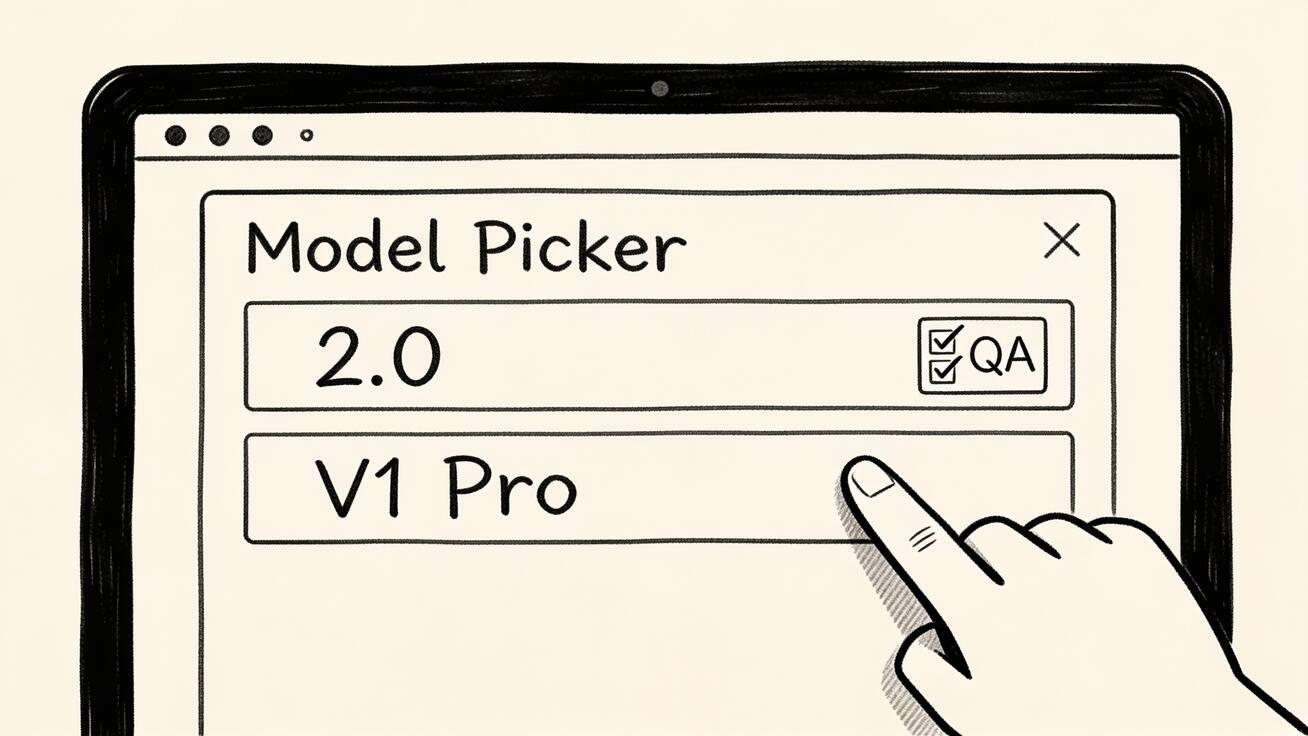 Pick the Seedance version in the model picker that matches your deliverable, then QA before you commit credits.
- Define the deliverable first. Platform (TikTok, Reels, landing page, pitch deck), aspect ratio, and whether the clip needs sound. This single decision usually points you straight at 2.0 (needs audio/length/2K) or V1 Pro (silent single clip).
- Pick your input mode. For image-to-video start from a product photo or character still; for text-to-video start from a prompt only. Seedance 2.0 lets you add several reference images plus an optional motion video here.
- Select the model in the picker. Choose Seedance 2.0 for the flagship feature set, or drop to V1 Pro for cheaper, silent single clips.
- Write a version-aware prompt. In 2.0, describe sound and shot transitions; in V1 Pro, focus on a single clean motion (those prompt templates are below).
- Generate 2–3 variants. Compare them for subject consistency, physical motion, and — in 2.0 — whether the audio actually matches the action.
- Inspect and QA. Check faces/logos for warping, text legibility, motion realism, and brand safety before you commit credits to a final high-res render.
- Export and reuse. Export at your target resolution, then, if you nailed the prompt, re-run the same prompt across V1 Pro to produce supporting variants cheaply.
A common, efficient pattern: prototype the idea quickly on a legacy/lite tier, lock the prompt, render the hero in Seedance 2.0 with audio and references, then batch the b-roll in V1 Pro. You get flagship quality where it counts and low cost everywhere else.
Credits and Cost: Reading Across Seedance Versions
Version choice is really a cost decision in disguise, so it helps to think in credits-per-result rather than credits-per-generation. A single Seedance 2.0 render usually costs more than a V1 Pro render, but if 2.0 gets you a usable clip with audio in one pass while V1 Pro needs a separate sound-design step, the flagship can be cheaper in total time and effort. The reverse is also true: if you need ten background loops and none of them require sound, paying flagship rates ten times is wasteful.
A simple way to budget across Seedance versions:
- Estimate how many final clips you need vs how many experiments. Experiments belong on the cheapest tier; finals belong on the version that matches the deliverable.
- Count the post-production you avoid. Native audio in 2.0 can replace minutes of manual sound editing per clip. For talking or sound-driven content, that saved time is part of the cost comparison.
- Match resolution to destination. 2K from Seedance 2.0 is worth paying for when you crop, zoom, or project large; for a phone-screen feed, 1080p from V1 Pro often looks identical to the viewer.
- Re-use winning prompts. Once a prompt is dialed in, re-rendering variants is where the cheaper tiers earn their keep — you are no longer paying to explore, just to produce.
The exact per-second numbers move as ByteDance updates plans, so confirm them in the picker; the principle holds regardless of the figures.
Migrating a Prompt from V1 Pro to Seedance 2.0
If you already have prompts that work in Seedance 1.0 Pro and want to move them up to 2.0, you do not start from scratch — you extend. Keep the subject and motion description that already works, then layer in the features only 2.0 understands:
- Keep the core motion line. Your single clean camera move still reads fine in 2.0.
- Add an audio line. Describe ambient sound, key sound effects, and any dialogue. This is the single biggest reason to upgrade a prompt.
- Add reference images if useful. Pass an extra product angle or a character sheet so 2.0 can hold consistency.
- Consider extending to multiple shots. If the story benefits from a second or third cut, describe each shot and state explicitly that the character/product stays the same.
- Bump the target resolution to 2K only if the destination justifies it.
Going the other direction — simplifying a 2.0 prompt down to V1 Pro — just means deleting the audio, multi-shot, and multi-reference lines and keeping one clean motion. Knowing how to translate prompts between Seedance versions is what lets you move fluidly up and down the ladder as each shot demands.
Prompt Examples by Seedance Version
Prompts should match the version's strengths. Below are copy-ready templates — adjust the bracketed parts.
Seedance 2.0 — image-to-video with native audio
Animate this product photo into a 9-second vertical clip.
Camera slowly pushes in, then orbits 30 degrees to the right.
Soft studio light, subtle dust particles in the air.
Native audio: gentle ambient hum, a soft "click" as the product opens.
Keep the logo crisp and unwarped throughout. 2K, cinematic.
Seedance 2.0 — multi-shot text-to-video
A 12-second narrative in three shots, same character throughout:
Shot 1: a barista grinds beans, close-up, warm morning light.
Shot 2: pour-over in progress, steam rising, mid shot.
Shot 3: she smiles and lifts the cup toward camera.
Native audio: grinder, pouring water, quiet cafe ambience.
Consistent face, apron, and hair across all three shots.
Seedance 1.0 Pro (V1 Pro) — clean single-clip motion
From this single image, create a smooth 5-second clip.
One camera move only: slow parallax push-in.
Natural, subtle motion in the background; subject stays sharp.
No audio needed. 1080p, realistic lighting.
V1 Pro — looping B-roll
Turn this product still into a seamless looping turntable.
Continuous slow 360-degree rotation, even speed, no jump cut.
Clean white background, soft shadow. Silent, 1080p.
Notice the difference: 2.0 prompts describe sound and shot transitions; V1 Pro prompts describe a single, controlled motion. Writing a multi-shot, audio-heavy prompt for V1 Pro just wastes effort because the tier cannot deliver those features.
Best Use Cases by Version
Mapping Seedance versions to real jobs makes the choice obvious.
Seedance 2.0 shines for:
- Social ads with sound — a 10–15s TikTok or Reels spot where audio hooks the viewer in the first second.
- Product demos — show a feature, hear the click, and keep the product on-brand across multiple cuts. Pair it with our Seedance 2.0 image-to-video workflow for the full pipeline.
- Short narratives and explainers — multi-shot sequences with a consistent presenter or mascot, supported by character consistency techniques.
- Pitch and launch videos — 2K output that holds up on a big screen.
Seedance 1.0 Pro / legacy tiers shine for:
- Website hero loops — silent, seamless background motion.
- Bulk variant testing — generate many directions cheaply, then upgrade the winner.
- Simple image-to-video — one photo, one clean move, fast turnaround.
- B-roll libraries — stockpile reusable silent clips without burning flagship credits.
If your project mixes both — say, a launch with one hero spot and ten supporting loops — use both versions deliberately. That is the whole point of having a model family.
Limitations and QA: What to Check Before You Export
No Seedance version is magic, and the failure modes differ slightly by tier. Run this checklist on every generation:
- Subject consistency: Do faces, logos, and products stay stable? V1 Pro can drift on complex subjects; 2.0 is stronger but still verify multi-shot continuity.
- Physical motion: Watch for melting hands, sliding feet, or objects that pass through each other, especially on fast motion.
- Text accuracy: On-screen text and logos can warp. Keep critical text as a post-production overlay when legibility matters.
- Audio sync (2.0 only): Confirm sounds actually line up with the action and that any dialogue is intelligible. Re-roll if the audio feels generic or off-beat.
- Resolution fit: Do not pay for 2K in 2.0 if the final destination is a small social thumbnail — V1 Pro at 1080p may be the better spend.
- Brand safety: Review for anything off-brand or unintended before publishing. Never publish a clip you have not watched start to finish.
Treat the first generation as a draft. Generate 2–3 variants, pick the cleanest, and only then commit to a final high-resolution export. For credit planning across tiers, the current Seedance 2.0 pricing breakdown is the fastest way to compare cost per second before a big batch.
FAQ
Is Seedance 2.0 always better than Seedance 1.0 Pro? No. Seedance 2.0 is more capable — audio, 2K, longer multi-shot, multiple references — but it costs more per generation. For silent single clips, loops, and high-volume drafts, V1 Pro is often the smarter, cheaper choice.
What is the main difference between the Seedance versions? The biggest jump from 1.0 to 2.0 is native synchronized audio, plus higher resolution (up to 2K), longer multi-shot duration, and support for multiple reference images, video, and audio inputs in a single call.
Can I use the same prompt across Seedance versions? Partly. A simple single-motion prompt works in both, but audio cues and multi-shot transitions only do something in Seedance 2.0. Write version-aware prompts for best results.
Which Seedance version is best for image-to-video? For a clean single clip from one photo, V1 Pro is fast and economical. If you need sound, multiple reference images, or a longer multi-shot result, use Seedance 2.0. See our Seedance vs Sora 2 comparison if you are also weighing other tools.
Do older Seedance versions get removed? Tiers can change over time as ByteDance updates the service. Always check the live model picker for which Seedance versions and exact specs are currently available before planning a paid batch.
Conclusion
Choosing between Seedance versions comes down to matching the model to the job. Reach for Seedance 2.0 when you need synchronized audio, up to 2K resolution, longer multi-shot storytelling, or multiple reference inputs — it is the flagship for ads, demos, and short narratives. Stay on Seedance 1.0 Pro (V1 Pro) or a lighter legacy tier when you want fast, dependable, silent single clips at lower cost, ideal for loops, B-roll, and bulk variant testing.
The smartest creators use the whole family: draft cheap, mass-produce on V1 Pro, and reserve Seedance 2.0 for the shots where it changes the outcome. Open the model picker, pick the right Seedance version for your deliverable, and try Seedance free on your next clip — start with one hero shot in 2.0 and see the difference for yourself.
Ready to try it yourself?
Put the steps from this guide into practice with Seedance and turn prompts or images into polished videos in minutes.
Free credits on signup. Plans from $20/month.
Related Articles
More posts in the same locale you may want to read next.
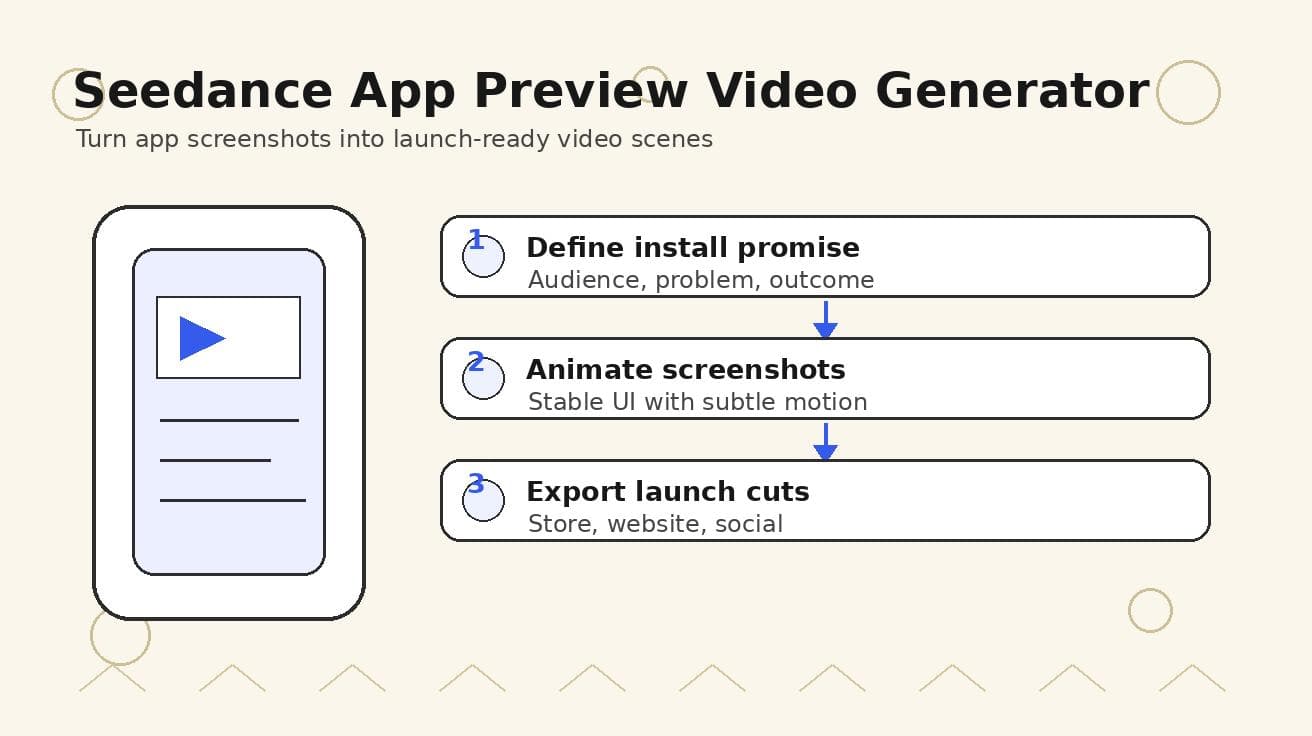
Seedance App Preview Video Generator 2026: Create App Store and Product Launch Clips
Use Seedance to turn app screenshots, feature copy, and launch goals into App Store previews, Google Play promo videos, and product launch clips.
Read article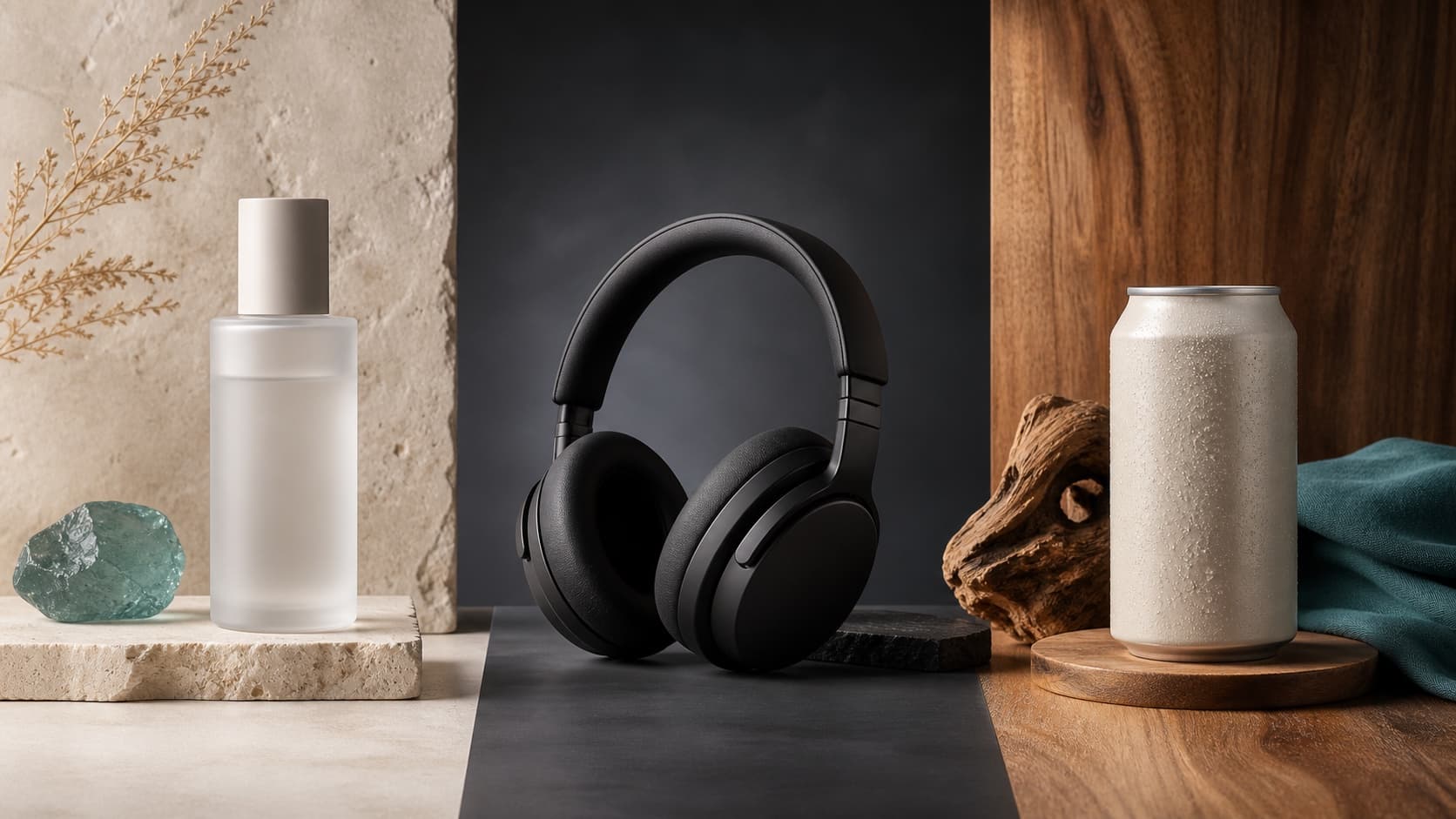
Seedream 5.0 Product Poster Prompts: Templates, Lighting, and Background Swap Guide
Create stronger product posters with a six-part Seedream 5.0 prompt formula, five product templates, three lighting setups, text rules, and a background-swap workflow.
Read article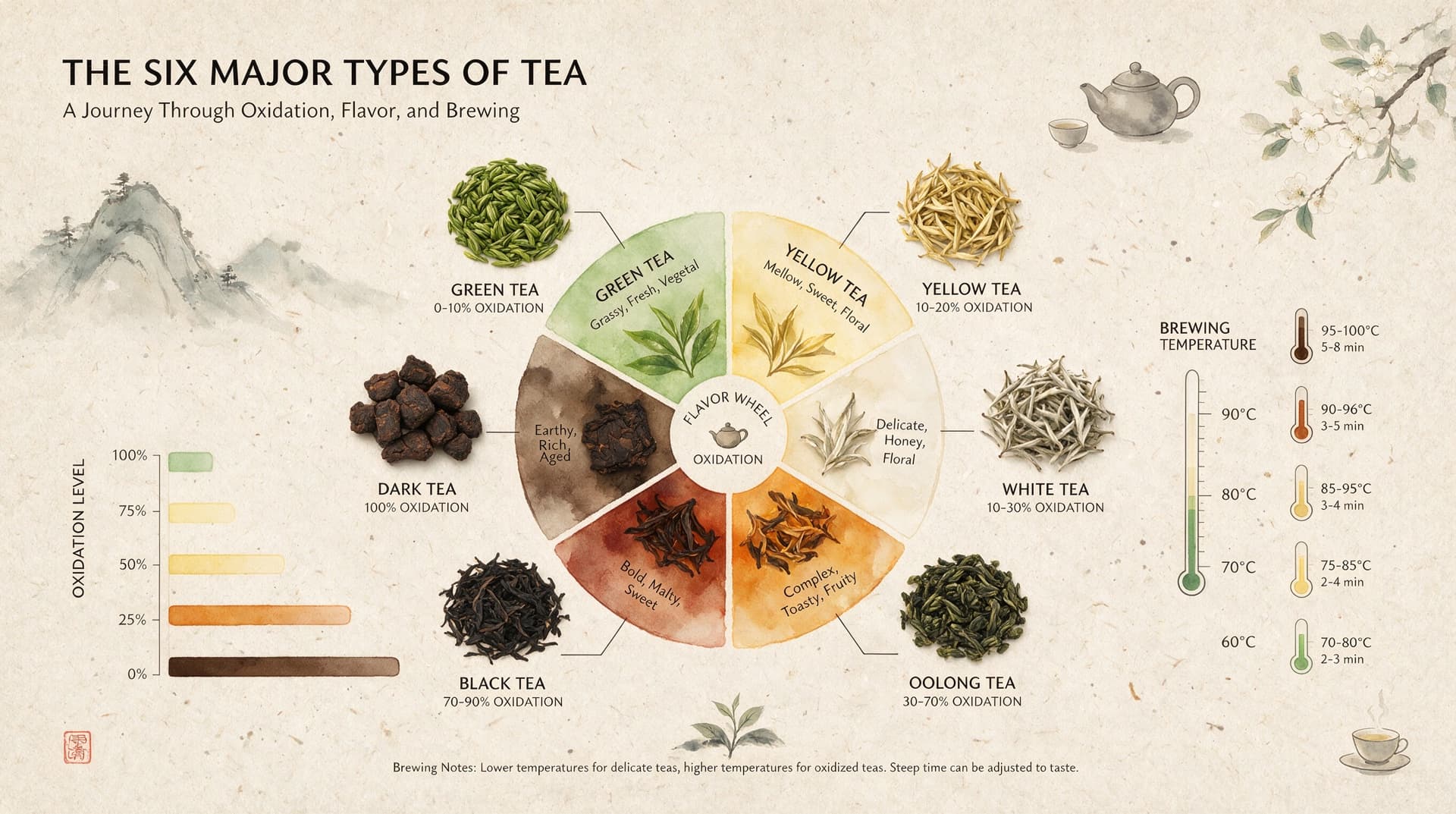
Seedream 5.0 Infographic Prompts: Templates, Text Tips, and 5 Copy-Ready Examples
Create clearer AI infographics with a seven-part Seedream 5.0 prompt formula, five reusable templates, practical text tips, and five copy-ready examples.
Read article