
Seedance 2.0 CapCut Integration: Complete Guide to AI Video Generation in CapCut (2026)

ByteDance just dropped the biggest news in AI video generation this week: Dreamina Seedance 2.0 is now available inside CapCut. This means over 200 million CapCut users can now generate high-quality AI videos directly within the editing platform they already know and love — no separate tools, no complex workflows.
Quick Answer: Seedance 2.0 CapCut Integration: Complete Guide to AI Video Generation in CapCut (2026) — this step-by-step guide shows you how to use Seedance's AI-powered tools to achieve professional results in minutes, even if you're a complete beginner.
If you've been following the AI video space, you know this is a game-changer. While OpenAI quietly shut down its Sora app, ByteDance went the opposite direction by embedding its most powerful video generation model directly into the world's most popular video editing platform. The Seedance 2.0 CapCut integration makes AI video creation accessible to everyone from TikTok creators to small business owners.
In this comprehensive guide, we'll cover everything you need to know about the Seedance CapCut integration — what it can do, how to use it step by step, how it compares to standalone AI video tools, and whether it's the right choice for your creative workflow.
Ready to try it yourself?
Free credits on signup. Plans from $20/month.
What Is Seedance 2.0?
Seedance 2.0 (officially called Dreamina Seedance 2.0) is ByteDance's latest AI video and audio generation model. It represents a major leap forward in AI-generated video quality, capable of producing clips that rival professional footage in terms of realism, physics accuracy, and visual coherence.
Here's what makes Seedance 2.0 stand out:
- Exceptional text prompt adherence: Create rich, detailed videos from just a few words or a multi-paragraph description. The model understands complex creative directions and translates them faithfully into video.
- Realistic rendering: Seedance 2.0 excels at generating realistic textures, natural movement, and accurate lighting across diverse visual perspectives and camera angles.
- Physics-aware generation: Unlike many AI video models that struggle with motion and action sequences, Seedance 2.0 has a sophisticated understanding of real-world physics, making it ideal for dynamic content.
- Audio syncing: The model can generate synchronized audio alongside video, creating cohesive multimedia content in a single step.
- Text and graphic rendering: Strong typography and overlay capabilities make it easy to create explainer videos, tutorials, and business presentations.
- Up to 15-second clips: Supports video generation in six different aspect ratios, perfect for any social media platform.
If you want to dive deeper into the model's capabilities, check out our detailed Seedance 2.0 review for benchmarks and sample outputs.
How Does the Seedance 2.0 CapCut Integration Work?
The Seedance CapCut integration isn't just a simple plugin — it's a deep, native integration that brings AI video generation into multiple areas of the CapCut editing experience. Here's how ByteDance has structured it:
AI Video (Editing Feature)
Within CapCut's editing timeline, you'll find a new AI Video feature powered by Seedance 2.0. This allows you to:
- Generate new video clips from text prompts directly in your editing timeline
- Enhance or extend existing footage using AI
- Create transitions and B-roll that match your existing content style
- Edit, correct, or improve uploaded footage with AI assistance
Video Studio (Generation Tool)
Video Studio is a dedicated generation workspace within CapCut focused on pure AI video creation. Think of it as a creative sandbox where you can:
- Draft video concepts from scratch using text descriptions
- Transform reference images into dynamic video sequences
- Test creative ideas before committing to full production
- Generate multiple variations of a scene to find the perfect take
Dreamina Platform
Beyond CapCut, Seedance 2.0 is also available on ByteDance's standalone AI generation platform, Dreamina. This gives power users more granular control over generation parameters.
Pippit (Marketing Platform)
For businesses and marketers, Seedance 2.0 integrates with ByteDance's Pippit marketing platform, enabling automated creation of ad creatives, product demos, and promotional content.
Step-by-Step Guide: How to Use Seedance 2.0 in CapCut
Ready to start creating AI videos with the Seedance 2.0 CapCut integration? Follow this step-by-step guide:
Step 1: Check Availability
As of March 2026, Seedance 2.0 in CapCut is rolling out in phases. The initial launch covers:
- First wave: Indonesia, Philippines, Thailand, Vietnam, Malaysia, Brazil, Mexico
- Second wave (March 25): Additional markets across Africa, South America, and the Middle East
- Coming soon: More regions, with global expansion planned throughout 2026
You'll need a paid CapCut Pro subscription to access Seedance 2.0 features. Free-tier users won't have access during the initial rollout.
Step 2: Open CapCut and Navigate to AI Video
- Launch CapCut on your device (desktop or mobile)
- Start a new project or open an existing one
- Look for the AI Video option in the editing toolbar
- You should see the Seedance 2.0 badge indicating the new model is active
Step 3: Write Your Prompt
This is where the magic happens. Seedance 2.0 supports both simple and complex prompts:
Simple prompt example:
A golden retriever running through a sunlit meadow in slow motion
Detailed prompt example:
A professional cooking tutorial scene showing hands kneading sourdough bread on a marble countertop, warm kitchen lighting, close-up angle transitioning to a wide shot of the finished loaf being sliced, steam rising from the bread, 4K quality, warm color grading
The model's strong prompt adherence means you can be as specific or as minimal as you want.
Step 4: Choose Your Settings
Configure your video generation:
- Aspect ratio: Choose from 6 available ratios (16:9, 9:16, 1:1, 4:3, 3:4, 4:5) depending on your target platform
- Duration: Up to 15 seconds per clip
- Style: Let the model interpret naturally or guide it with style-specific prompts
Step 5: Generate and Review
Click Generate and wait for Seedance 2.0 to process your request. Review the output and:
- Accept the clip if it matches your vision
- Regenerate with tweaked prompts if adjustments are needed
- Generate variations to explore different interpretations
Step 6: Edit and Export
Once you have your AI-generated clips, use CapCut's full editing suite to:
- Trim and arrange clips in your timeline
- Add transitions, effects, and filters
- Layer text overlays and captions
- Sync music or generated audio
- Export in your preferred resolution and format
What Can You Create with Seedance 2.0 in CapCut?
The combination of Seedance 2.0's generation capabilities and CapCut's editing tools opens up a wide range of use cases:
Social Media Content
Create scroll-stopping TikTok, Instagram Reels, and YouTube Shorts content. The AI can generate eye-catching visuals that would normally require expensive equipment and locations.
Cooking and Recipe Videos
Seedance 2.0's strong text and graphic rendering makes it excellent for step-by-step cooking tutorials. Generate beautiful food footage with accurate textures and lighting.
Fitness and Tutorial Content
Motion-aware generation means fitness tutorials and how-to videos look natural and physically accurate — a historically weak point for AI video models.
Business and Product Videos
Small businesses can create professional product overviews, explainer videos, and promotional content without hiring a production team.
Concept Testing and Storyboarding
Use AI generation to quickly visualize ideas before committing to full-scale production. Test different angles, styles, and narratives with minimal cost.
For more inspiration on what you can create, explore our text-to-video capabilities and see real examples of AI-generated content.
Seedance 2.0 CapCut vs. Standalone AI Video Generators
How does using Seedance 2.0 inside CapCut compare to using standalone AI video generators? Here's a detailed comparison:
| Feature | Seedance 2.0 in CapCut | Standalone AI Video Tools | Seedance on seedance.tv |
|---|---|---|---|
| Video Quality | Excellent (Seedance 2.0) | Varies by tool | Excellent (latest models) |
| Max Duration | 15 seconds | 5-60 seconds (varies) | Up to 10 seconds |
| Editing Integration | Native CapCut timeline | Separate download + import | Direct generation + download |
| Audio Sync | Built-in | Usually separate | Available |
| Aspect Ratios | 6 options | Typically 3-4 | Multiple options |
| Price | CapCut Pro subscription | Per-credit pricing | Free credits available |
| Availability | Limited markets (expanding) | Generally global | Global |
| Face Generation | Restricted | Varies | Available with guidelines |
| Workflow | All-in-one editing | Multi-tool workflow | Generate → download → edit |
Key Advantages of the CapCut Integration
- Seamless workflow: No switching between apps. Generate, edit, and export all in one place.
- Familiar interface: If you already use CapCut, there's virtually no learning curve for AI generation.
- Distribution edge: CapCut is the go-to editor for social media creators, so AI features are right where you need them.
- Audio syncing: Built-in audio generation and syncing saves significant post-production time.
When to Use Seedance on seedance.tv Instead
While the CapCut integration is powerful, there are reasons you might prefer using seedance.tv directly:
- Global availability: seedance.tv works worldwide, while CapCut's Seedance 2.0 is still in limited markets
- Free credits: Try AI video generation without a CapCut Pro subscription
- Image-to-video: Upload a reference image and transform it into video with our image-to-video tool
- No restrictions on certain content types: More flexible generation options
- Text-to-video simplicity: Quick generation without needing the full CapCut editing environment — try our text-to-video tool
Safety Features and Content Restrictions
ByteDance has implemented several safety measures for the Seedance 2.0 CapCut integration that are worth knowing about:
Face Generation Restrictions
During the initial rollout, Seedance 2.0 in CapCut cannot generate videos from images or videos that contain real faces. This is a deliberate safety measure to prevent deepfakes and unauthorized use of people's likenesses.
Intellectual Property Protection
CapCut has implemented advanced technologies to block the unauthorized generation of intellectual property. This comes after ByteDance paused the global rollout in mid-March following criticism from Hollywood and the Motion Picture Association over alleged copyright concerns.
Invisible Watermarking
All content generated by Seedance 2.0 includes an invisible watermark that identifies it as AI-generated. This watermark persists even if the content is shared or altered off-platform, helping with content attribution and potential takedown requests.
C2PA Content Credentials
CapCut also embeds C2PA Content Credentials — an industry-standard technology that helps other platforms and individuals verify whether content was created with AI.
Pricing: How Much Does Seedance 2.0 in CapCut Cost?
The Seedance 2.0 CapCut integration is available as part of the CapCut Pro subscription. Here's the pricing breakdown:
- CapCut Pro Monthly: Approximately $7.99/month (varies by region)
- CapCut Pro Annual: Approximately $74.99/year (varies by region)
- AI generation credits: Included with Pro subscription, with usage limits
For comparison, most standalone AI video generators charge per-credit pricing that can add up quickly:
- Runway: ~$0.50 per 5-second clip
- Pika: ~$0.20 per generation
- seedance.tv: Free credits to get started, then affordable pay-as-you-go pricing
If you're not in a supported CapCut market yet, or if you want to try AI video generation without committing to a Pro subscription, seedance.tv offers free credits to get started — no subscription required.
Frequently Asked Questions
Is Seedance 2.0 available in CapCut in the United States?
Not yet. As of March 2026, the Seedance 2.0 CapCut integration is available in select markets including Indonesia, Philippines, Thailand, Vietnam, Malaysia, Brazil, Mexico, and expanding to parts of Africa, South America, and the Middle East. The US availability has been delayed due to ongoing intellectual property discussions. ByteDance has not announced a specific US launch date. In the meantime, you can use seedance.tv to access AI video generation globally.
Do I need a CapCut Pro subscription to use Seedance 2.0?
Yes, the Seedance 2.0 features in CapCut are currently available only to paid CapCut Pro subscribers. Free-tier users cannot access AI video generation features during the initial rollout. If you want to try AI video generation for free, visit seedance.tv where new users receive free credits.
Can Seedance 2.0 in CapCut generate videos with real faces?
No. During the initial rollout, ByteDance has restricted the ability to generate videos from images or videos containing real faces. This is a safety measure to prevent deepfake creation and unauthorized use of people's likenesses. This restriction may be adjusted in future updates as safety technologies improve.
How long can AI-generated videos be in CapCut?
Seedance 2.0 in CapCut supports clips of up to 15 seconds in length. You can generate multiple clips and combine them in CapCut's editing timeline to create longer videos. The model supports six different aspect ratios, making it easy to create content for any platform.
What's the difference between Seedance 2.0 in CapCut and Seedance on seedance.tv?
While both use Seedance's AI video technology, there are key differences. CapCut's integration offers a seamless editing workflow with native timeline integration and audio syncing but is limited to specific markets and requires a Pro subscription. seedance.tv is available globally, offers free starter credits, supports image-to-video and text-to-video workflows, and doesn't require a separate editing app subscription.
Can I use Seedance 2.0 in CapCut for commercial purposes?
Yes, content created with Seedance 2.0 in CapCut can be used commercially, subject to CapCut's terms of service and content policies. The AI-generated content will include invisible watermarks and C2PA Content Credentials for transparency. Ensure your generated content doesn't infringe on existing intellectual property.
Is Seedance 2.0 the same as Dreamina Seedance 2.0?
Yes. Dreamina Seedance 2.0 is the full official name of the model. "Dreamina" is ByteDance's AI generation platform brand, and "Seedance 2.0" is the specific model version. When people refer to "Seedance 2.0 in CapCut" or "Dreamina Seedance 2.0," they're talking about the same technology.
Start Creating AI Videos Today
The Seedance 2.0 CapCut integration marks a pivotal moment in AI video generation — bringing powerful AI capabilities directly into the hands of millions of creators through a platform they already use daily.
Whether you're a TikTok creator looking to level up your content, a small business owner creating product videos, or a professional filmmaker exploring AI-assisted workflows, the combination of Seedance 2.0's generation quality and CapCut's editing power is hard to beat.
Not in a supported CapCut market yet? Don't wait — you can start creating AI videos right now on seedance.tv. We offer free credits for new users, global availability, and powerful text-to-video and image-to-video tools that let you experience the future of video creation today.
👉 Try Seedance AI Video Generator for Free →
Our Verdict
After thorough evaluation, Seedance stands out as our top recommendation for AI video generation. Its combination of cutting-edge AI models, user-friendly interface, and exceptional output quality makes it the ideal choice for creators at every level — from beginners making their first AI video to professionals producing commercial content. Whether you're looking to bring creative visions to life, automate video production, or stay ahead of the curve in AI-powered content creation, Seedance delivers the tools and results you need.
Ready to try it yourself?
Put the steps from this guide into practice with Seedance and turn prompts or images into polished videos in minutes.
Free credits on signup. Plans from $20/month.
Related Articles
More posts in the same locale you may want to read next.
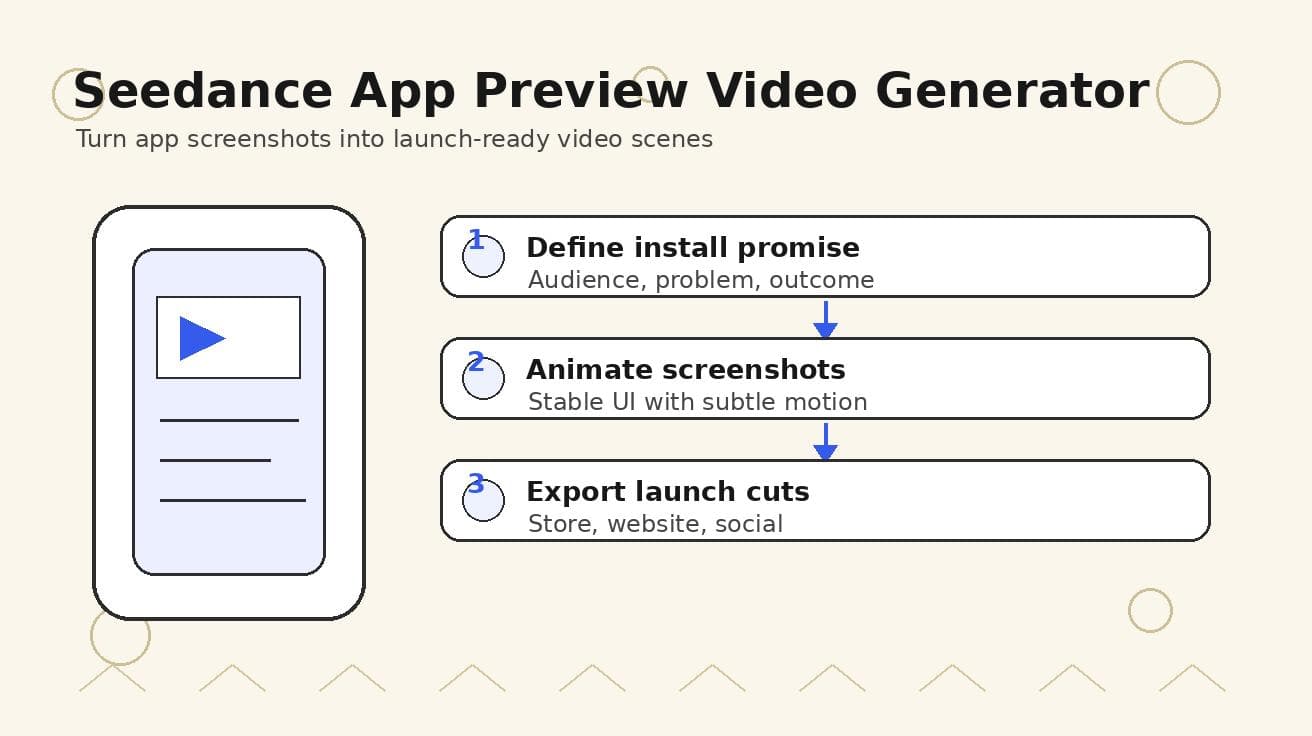
Seedance App Preview Video Generator 2026: Create App Store and Product Launch Clips
Use Seedance to turn app screenshots, feature copy, and launch goals into App Store previews, Google Play promo videos, and product launch clips.
Read article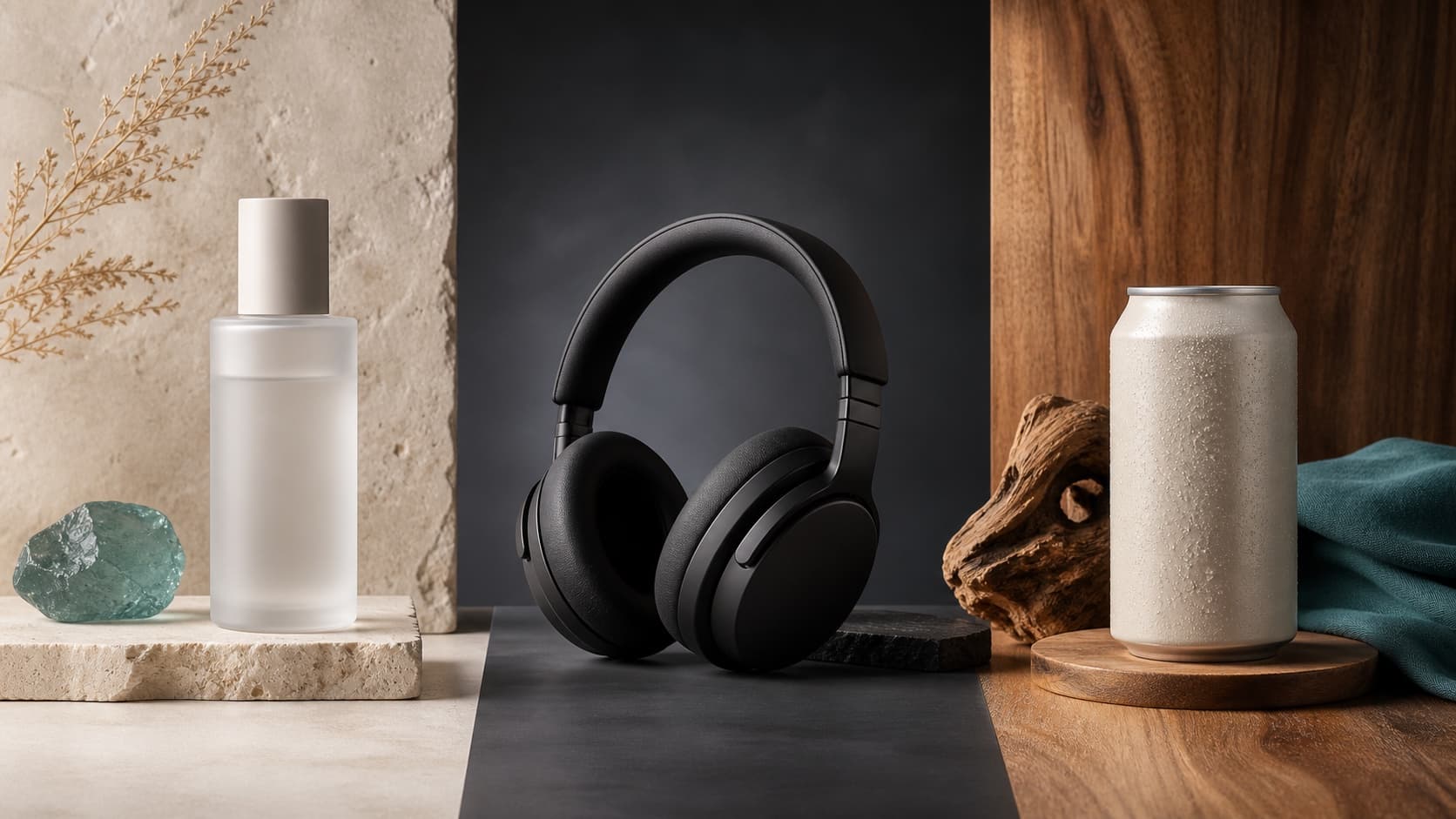
Seedream 5.0 Product Poster Prompts: Templates, Lighting, and Background Swap Guide
Create stronger product posters with a six-part Seedream 5.0 prompt formula, five product templates, three lighting setups, text rules, and a background-swap workflow.
Read article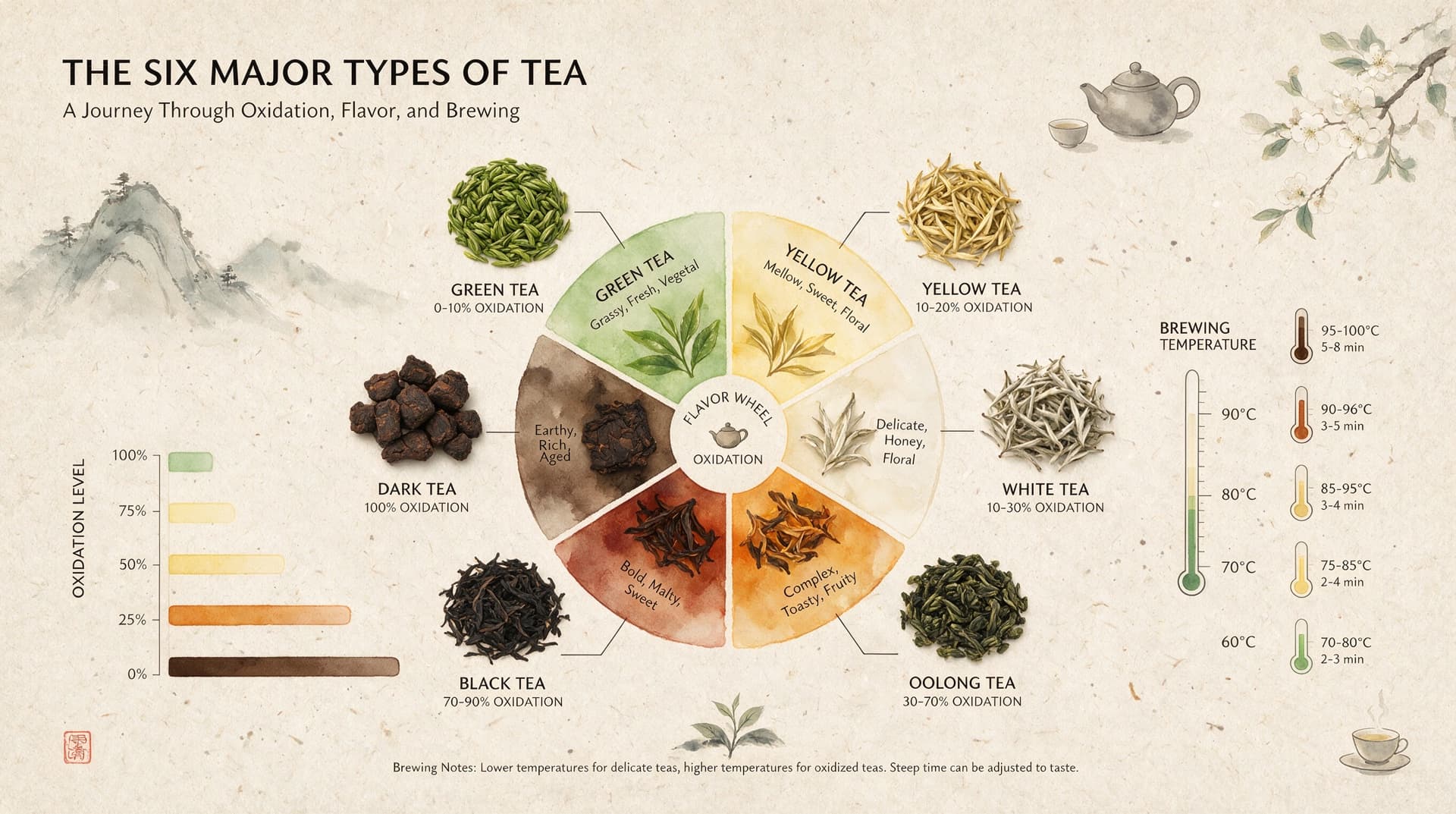
Seedream 5.0 Infographic Prompts: Templates, Text Tips, and 5 Copy-Ready Examples
Create clearer AI infographics with a seven-part Seedream 5.0 prompt formula, five reusable templates, practical text tips, and five copy-ready examples.
Read article