
Seedance 2.0 vs Wan 2.2: Which AI Video Generator Should You Use in 2026?
AI Overview
What Is the Difference Between Seedance 2.0 and Wan 2.2?
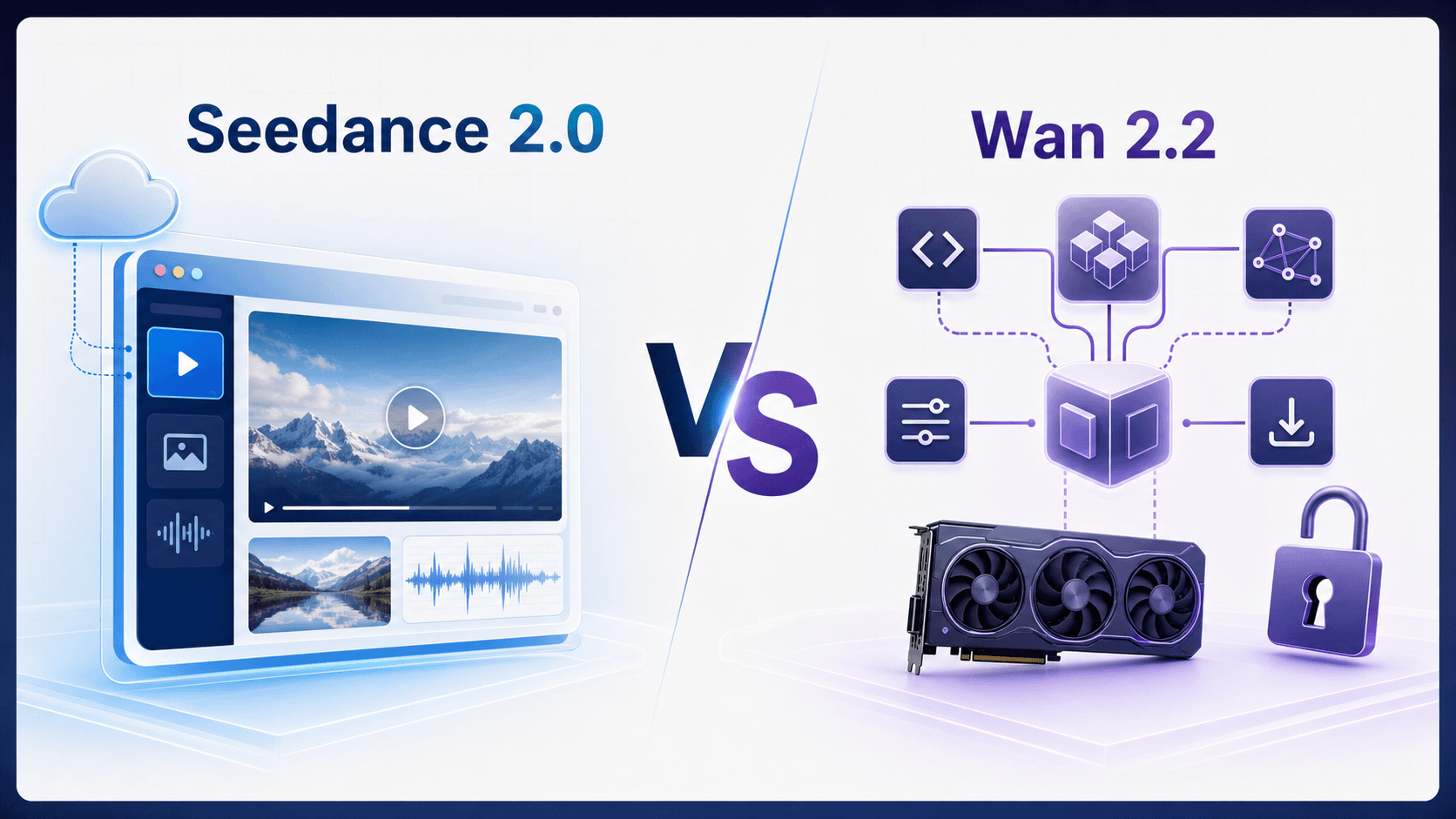
Seedance 2.0 is a ready-to-use cloud workflow. Wan 2.2 offers downloadable Apache-2.0 code and weights but requires your own GPU or hosting.
Is Wan 2.2 Better Than Seedance 2.0?
Choose Wan 2.2 for open, customizable deployment; choose Seedance 2.0 for a managed interface, native audio, mixed-media references, and 1080p output.
Can I Use Wan 2.2 for Free?
Wan 2.2's code and weights are free, but compute is not: official examples require at least 24GB VRAM for 5B or 80GB for A14B.
Start generating for free - no credit card required
Free credits on signup. Plans from $20/month.
Seedance 2.0 vs Wan 2.2 at a Glance
| Key difference | Seedance 2.0 | Wan 2.2 |
|---|---|---|
| Setup | Browser-based; no local GPU | Self-hosted or third-party; official examples use 24–80GB VRAM |
| Control | Managed proprietary service | Apache-2.0 code and weights |
| Creation | Text, image, first/last-frame, and mixed-reference video | Text/image-to-video with code-level extensibility |
| Audio and references | Native audio plus image, video, and audio references | No native audio in core checkpoints; limited official inputs |
| Output | Up to 1080p; 5–15 seconds | Up to 720p; duration set by the pipeline |
| Best for | Creators and production teams | Developers, researchers, and custom deployments |
The decisive difference is not a simple quality score. It is whether you want a finished creative service or an open model you can operate and modify.
Video Output Quality: Motion, Realism, and Detail
Both families can produce cinematic 720p video, but the public evidence is not a clean head-to-head test.
Wan 2.2's official repository emphasizes three upgrades over Wan 2.1: a mixture-of-experts diffusion architecture, more detailed aesthetic labels, and larger image/video training data. The team says the open TI2V-5B model generates 720p at 24fps, while the A14B text and image models support 480p and 720p. These are useful capability facts; the repository's benchmark remains vendor evidence, not an independent verdict.
ByteDance makes a different quality case for Seedance 2.0: stable complex motion, stronger instruction following, mixed-media reference alignment, and 15-second multi-shot audio-video output. Its official launch article also names remaining weaknesses, including detail stability, hyper-realism, multi-subject consistency, text rendering, and occasional audio distortion.
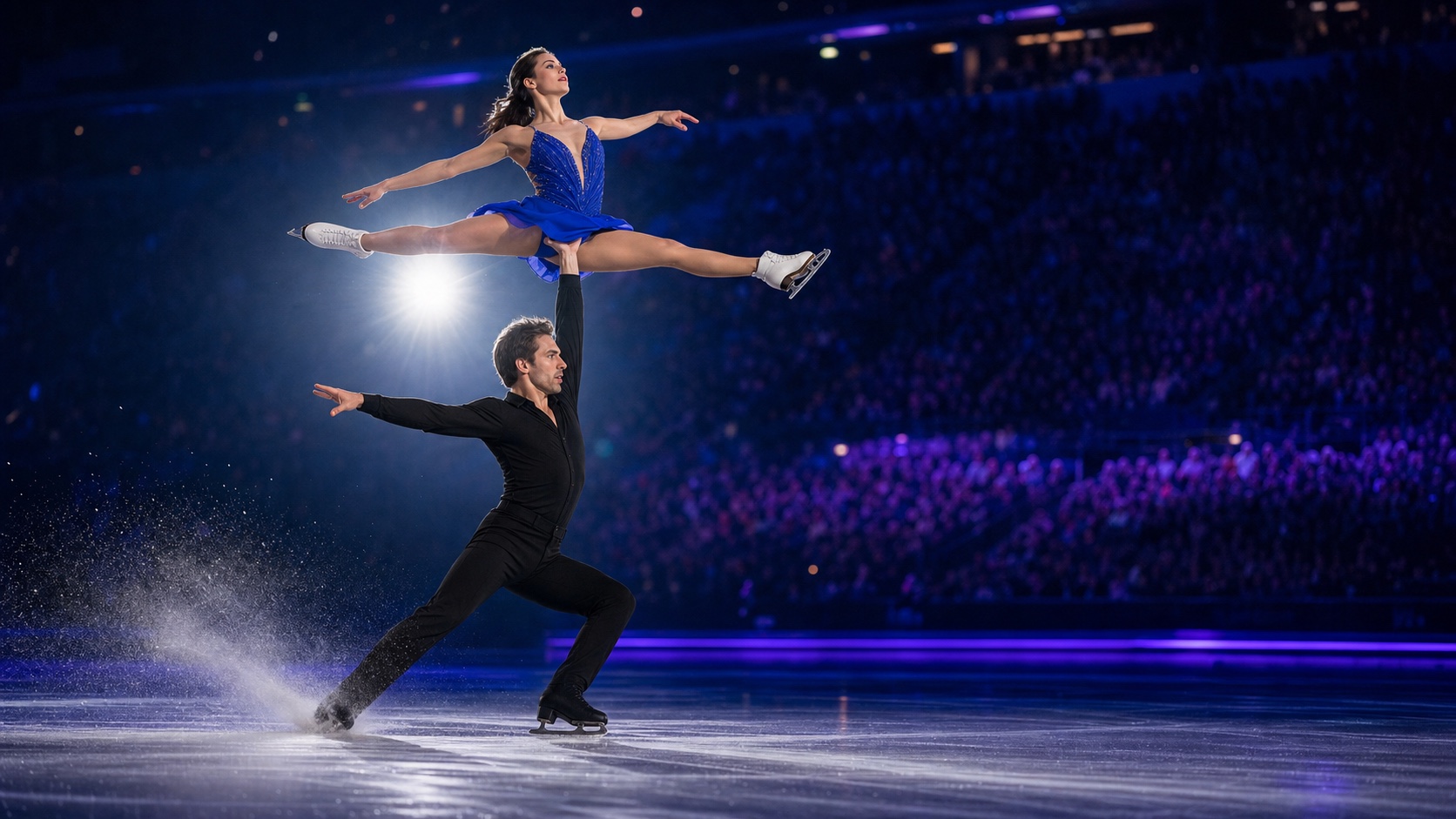
An editorial visualization of a demanding motion test: faces, limbs, contact points, costumes, skates, and ice spray must remain coherent throughout the shot.
Judge the full clip, not a polished hero frame. Check for geometry drift, unstable faces or hands, broken contact, camera jumps, source loss, audio artifacts, and costly retries. Choose Seedance 2.0 for multi-reference, native-audio, or tightly directed work; choose Wan 2.2 for tunable, repeatable, open pipelines. Compare them only with matched inputs, settings, and attempt budgets.
Ease of Use: Platform vs Open Source
The Seedance 2.0 Path
- Create an account.
- Open Text to Video, Image to Video, or Reference to Video.
- Add a prompt and any source media.
- Choose duration, aspect ratio, resolution, and audio.
- Review the live credit estimate, generate, preview, and download.
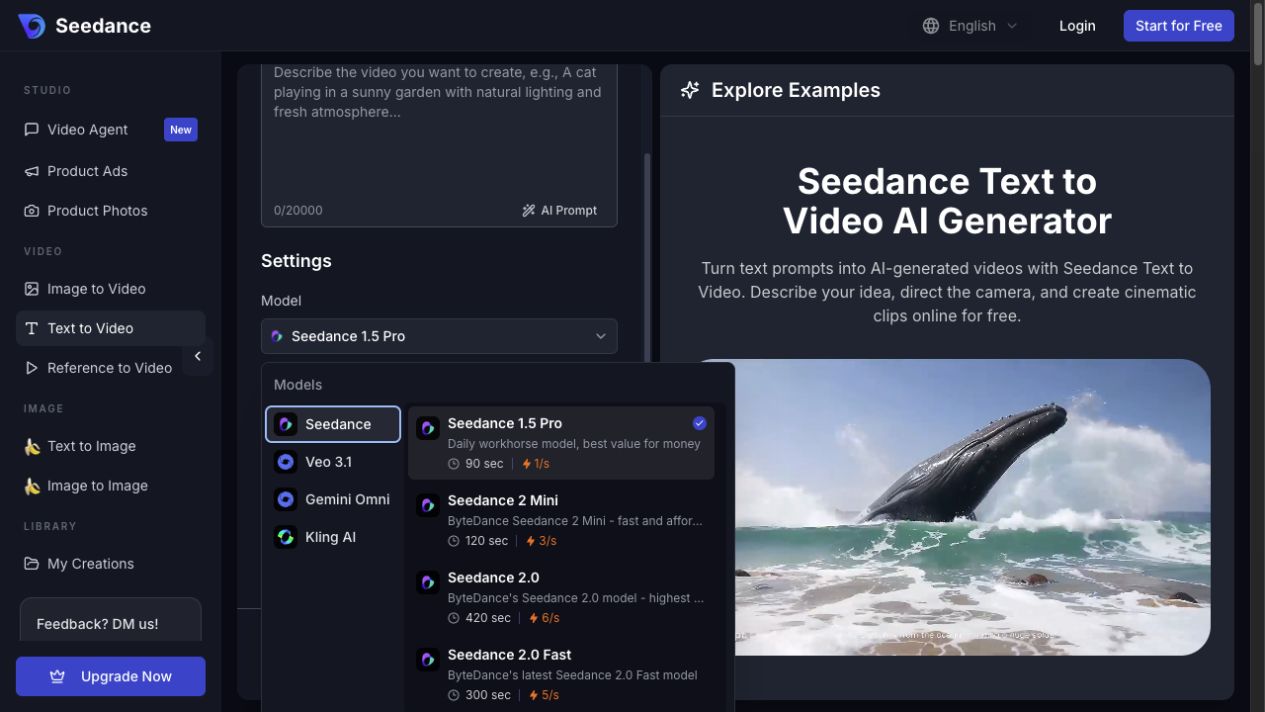
The real Seedance Text to Video workspace keeps prompting, model selection, settings, generation history, and examples in one browser view. No local GPU environment is required.
The Wan 2.2 Self-Hosted Path
- Install a supported NVIDIA driver, CUDA/PyTorch stack, and Python environment.
- Clone the official repository and install its dependencies.
- Download a checkpoint that fits the job and available VRAM.
- Configure offloading, prompt extension, resolution, frame count, and multi-GPU options if needed.
- Run inference, monitor memory and speed, then encode and organize the output.
Self-hosting is a poor fit for a social team that needs a clip today, but it benefits developers who need reproducible seeds, custom nodes, private on-premise media, or control over inference. Wan 2.2 is less “click and wait” and more “operate a video model.”
Prompt Control and Image-to-Video
Seedance 2.0 and Wan 2.2 both support text-to-video and image-to-video, but control lives at different layers.
On Seedance, control starts with the creative brief: source frame, subject anchors, camera movement, action, timing, audio, aspect ratio, duration, and negative constraints. First/last-frame mode can bound a transition. Reference to Video can assign different jobs to images, videos, and audio clips without asking the creator to build a pipeline.
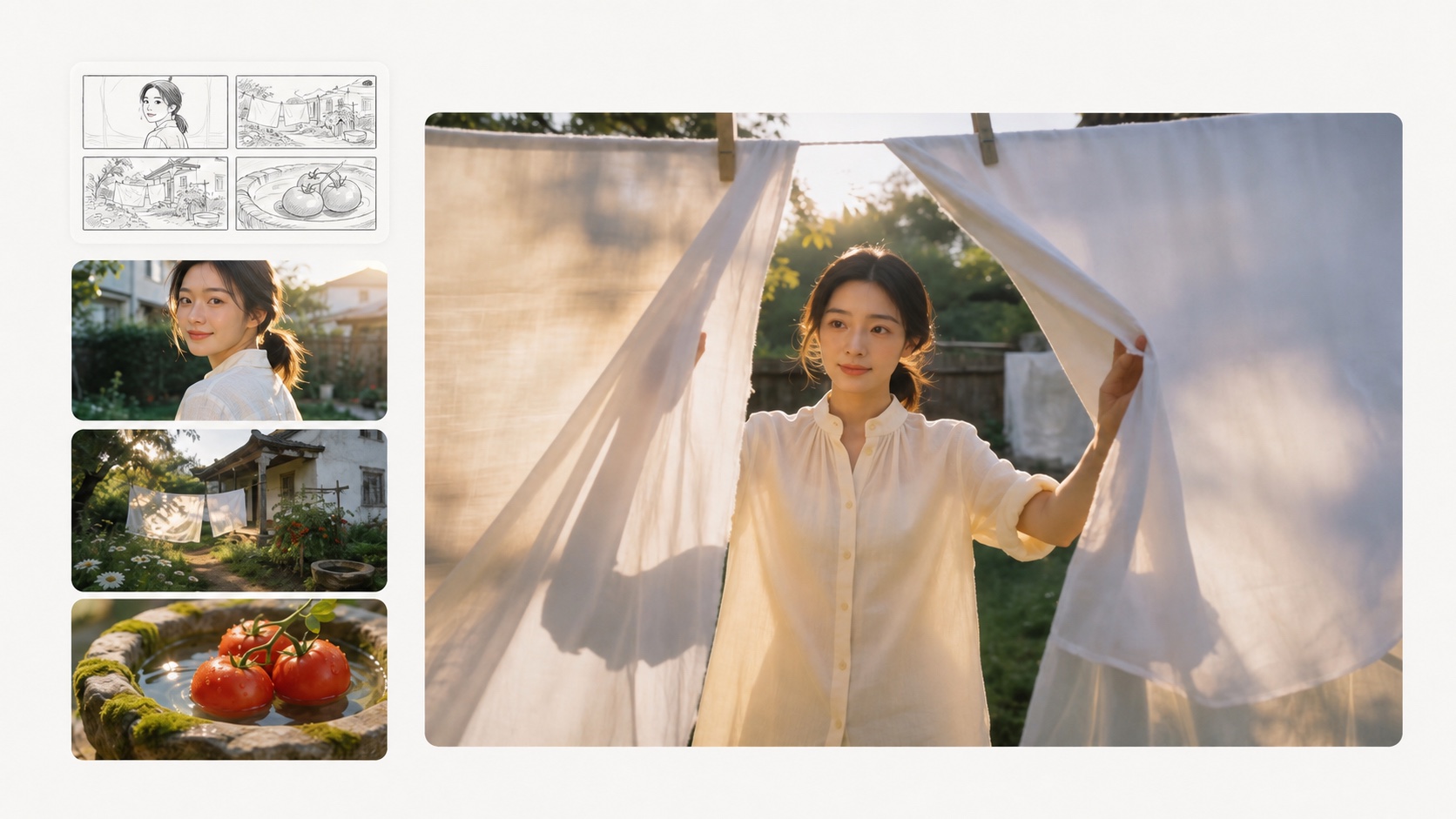
A text-free editorial visualization of how separate source images can guide character, scene, props, and shot design.
src=https://r2.seedance.tv/blog/seedance-2-0-official-i2v-laundry.mp4
poster=https://r2.seedance.tv/blog/seedance-2-0-official-i2v-laundry-poster.jpg
label=Seedance 2.0 · Official image-to-video demo
Official Seedance 2.0 I2V example: the prompt directs the subject to finish hanging laundry, take another garment from the basket, and shake it vigorously. Source: ByteDance Seedance 2.0 launch.
Wan 2.2 exposes engineering controls. The official scripts let a technical user choose the checkpoint, output size, frame count, prompt extension, CPU offloading, model dtype, and distributed inference. ComfyUI and Diffusers add node-level or code-level composition. That is more flexible than a hosted UI, but a parameter is only useful when the operator understands its quality, memory, and speed tradeoffs.
Copy-Ready Seedance 2.0 Product Prompt
Prompt: A premium matte-white skincare bottle with a blank embossed label stands on a pale travertine plinth in a shallow reflective pool, framed by curved amber and lavender glass. Preserve the exact cap, silhouette, proportions, material, and label panel. Over eight seconds, make a slow 120-degree clockwise camera orbit with a subtle push-in while the bottle remains stationary. Animate gentle water ripples, drifting low mist, and moving glass caustics; keep the plinth and glass architecture stable. Use a champagne-gold key light and soft lavender rim light, keeping the product crisp and correctly exposed. One continuous shot, no new objects, no label text, no bottle deformation, and no scene cut. Soft water ambience only.

Copy-Ready Wan 2.2 Cinematic Prompt
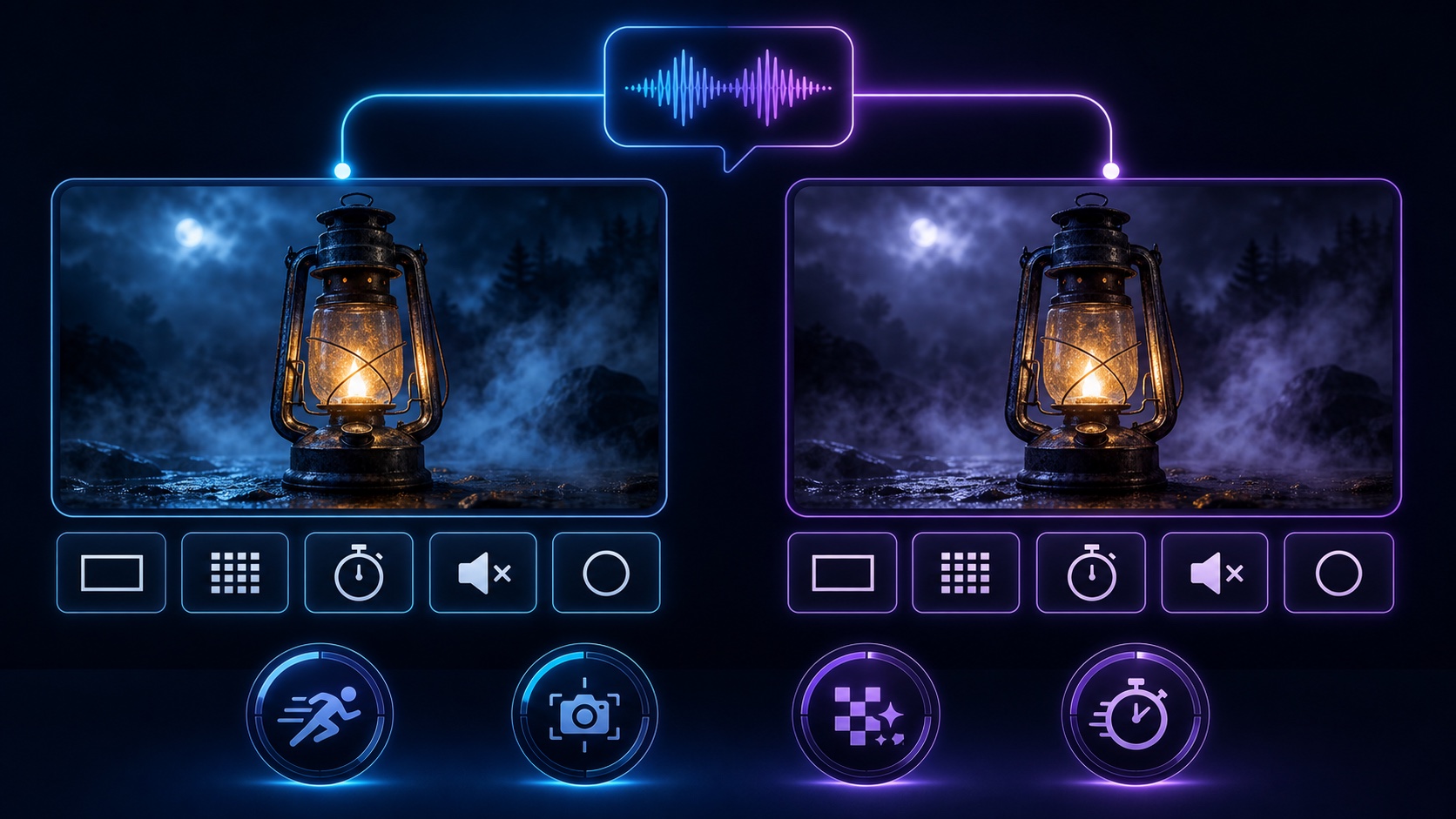
Prompt: Cinematic close-up of a weathered brass lantern glowing in dense blue fog at night. Slow camera push-in, shallow depth of field, stable lantern geometry, soft volumetric rays, natural flame movement, consistent cool-warm color contrast, no scene change, no extra objects, no text, no watermark.
Matched one-attempt comparison: the prompt above was sent unchanged to Seedance 2.0 and Wan 2.2 with 16:9, 480p, five seconds, and audio disabled requested on both sides. Both clips are the first returned result; this is a practical sample, not a statistical benchmark.
left=https://r2.seedance.tv/blog/seedance-2-0-lantern-matched.mp4
right=https://r2.seedance.tv/blog/wan-2-2-lantern-matched.mp4
left_poster=https://r2.seedance.tv/blog/seedance-2-0-lantern-matched-poster.jpg
right_poster=https://r2.seedance.tv/blog/wan-2-2-lantern-matched-poster.jpg
left_label=Seedance 2.0 · Same prompt
right_label=Wan 2.2 · Same prompt
Generated July 28, 2026. Seedance 2.0 used the managed bytedance/seedance-2 route; Wan used Alibaba Model Studio's wan2.2-t2v-plus endpoint.

The official Wan 2.2 repository uses this image as its I2V/TI2V sample input. See the team's video demo and runnable commands. It is shown as workflow evidence, not as a Seedance comparison result.
For better prompt structure before a paid run, use the Seedance 2.0 prompt guide and camera movement prompt library.
Pricing and Free Access
Wan 2.2 is free to download, not free to operate. Its Apache-2.0 models come with no claim over generated content, but you remain responsible for compliance, input/output rights, hardware, and inference costs. Official examples require at least 24GB VRAM for TI2V-5B and 80GB for A14B, so the real cost depends on your GPU or cloud provider.
Seedance converts those infrastructure costs into credits and a managed queue. The figures below were checked on July 28, 2026:
| Seedance option | Current cost | What it means |
|---|---|---|
| Signup | Free credits | Test the workspace without buying hardware |
| Seedance 2 Mini, 5s, 720p | 30 credits | Lowest-cost Seedance-family draft route |
| Seedance 2.0 Fast, 5s, 720p | 55 credits | Faster iteration with the Seedance workflow |
| Seedance 2.0 Standard, 5s, 720p | 66 credits | Quality-first route |
| Mini plan, monthly | $39/month | 400 monthly credits |
| Mini plan, annual | $336/year | 4,800 annual credits; equivalent to $28/month |
See Seedance pricing for current plans. The estimate shown before Generate is the final number to check because duration, resolution, and reference-video length can change the cost.
Which Is Cheaper?
- Wan 2.2 can be cheaper at high utilization when you already own a suitable GPU, can keep it busy, and can maintain the stack.
- Seedance is usually easier to budget for occasional work because there is no hardware purchase, environment setup, or idle GPU.
- A hosted Wan service is a third pricing context. Its price, queue, privacy terms, and feature set belong to that provider—not to the open weights alone.
Compare total cost per approved clip: infrastructure or credits, setup time, failed runs, storage, upscaling, and human review.
Which One Should You Choose?
| If you need | Choose | Why |
|---|---|---|
| Fast creation with no setup | Seedance 2.0 | Managed browser workflow |
| Native audio or mixed-media references | Seedance 2.0 | Built-in audio and reference controls |
| Self-hosting or custom pipelines | Wan 2.2 | Open weights and modifiable code |
| Open-model research with suitable GPUs | Wan 2.2 | Local control and inspectable inference |
For recurring identity, use the character consistency guide. If you are comparing more managed models, read Seedance 2.0 vs Kling 3.0 and Seedance 2.0 vs Veo 3.
How to Run a Fair Seedance 2.0 vs Wan 2.2 Test
For a fair test, send the same five-second 480p prompt—or one shared source image—through Text to Video or Image to Video, keeping wording, aspect ratio, duration, resolution, seed policy, and attempt count as close as possible. Disable Seedance audio when comparing Wan's core checkpoints, then review both clips muted at normal speed and frame by frame for prompt following, source preservation, motion, camera continuity, artifacts, generation time, and total attempts. Record the exact model routes and settings so the result can be reproduced; compare Seedance references or Wan pipeline customization only after this baseline.
Conclusion
Choose Seedance 2.0 for fast, production-ready creation with native audio and multimodal references. Choose Wan 2.2 for open weights, self-hosting, and deep customization when you already have suitable GPU infrastructure.
Start generating for free - no credit card required
Create videos with free signup credits, then scale with affordable plans whenever you need more generations.
Free credits on signup. Plans from $20/month.
Related Articles
More posts in the same locale you may want to read next.
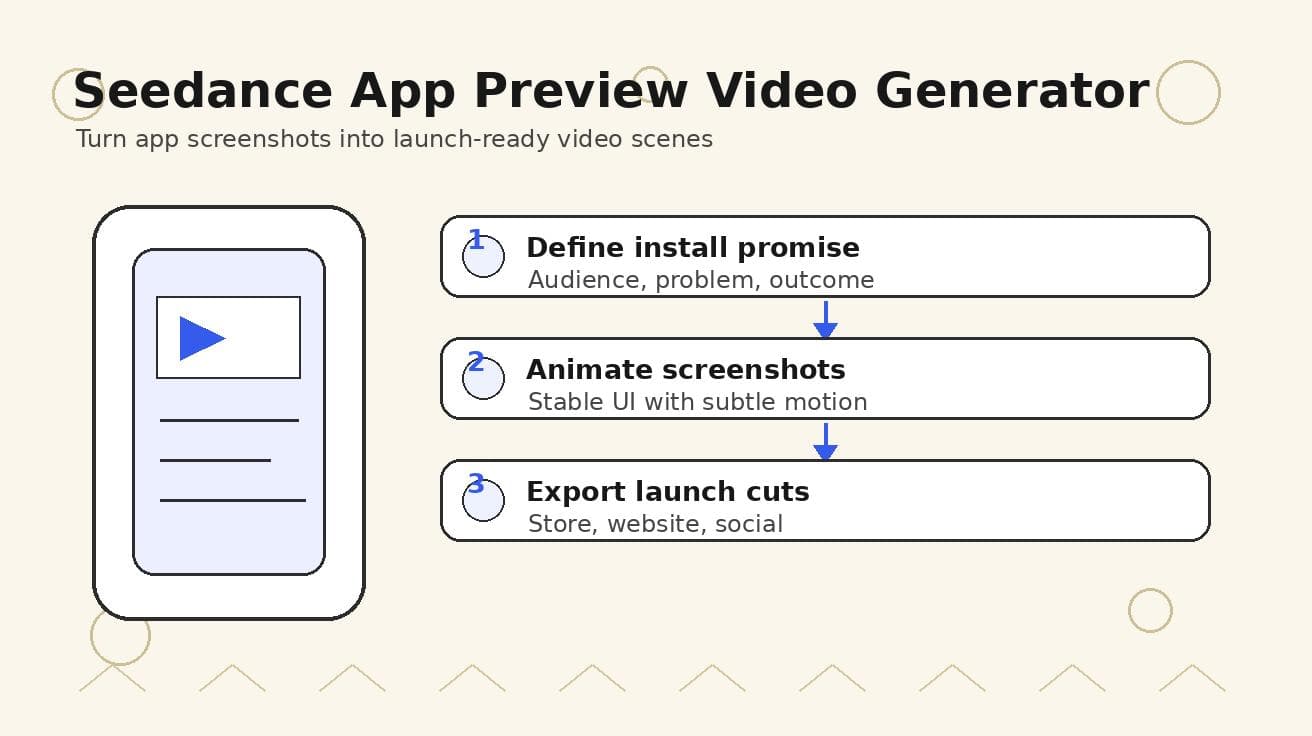
Seedance App Preview Video Generator 2026: Create App Store and Product Launch Clips
Use Seedance to turn app screenshots, feature copy, and launch goals into App Store previews, Google Play promo videos, and product launch clips.
Read article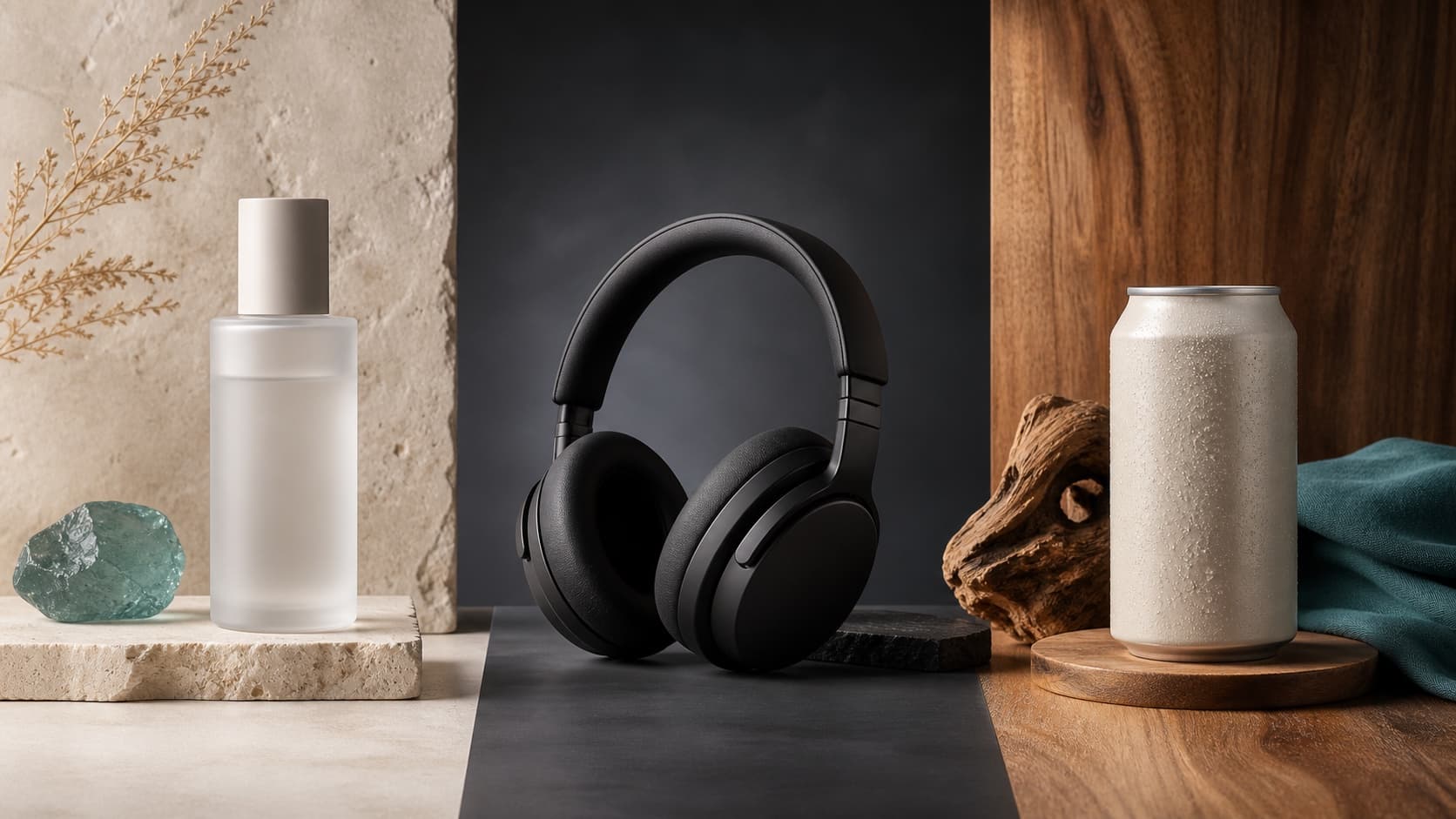
Seedream 5.0 Product Poster Prompts: Templates, Lighting, and Background Swap Guide
Create stronger product posters with a six-part Seedream 5.0 prompt formula, five product templates, three lighting setups, text rules, and a background-swap workflow.
Read article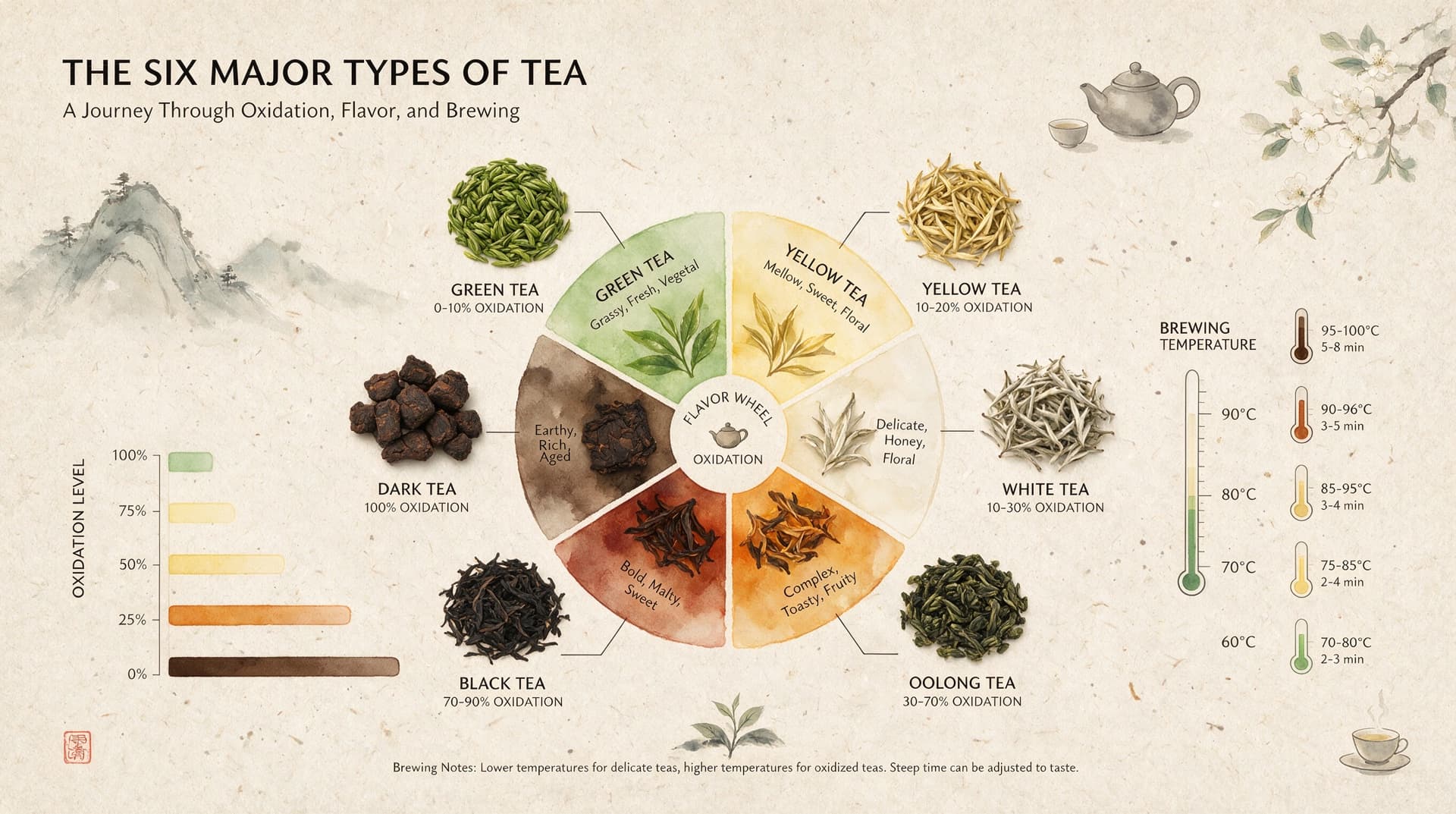
Seedream 5.0 Infographic Prompts: Templates, Text Tips, and 5 Copy-Ready Examples
Create clearer AI infographics with a seven-part Seedream 5.0 prompt formula, five reusable templates, practical text tips, and five copy-ready examples.
Read article