
Seedance Free Starter Guide 2026: What You Can Try Before Upgrading

Seedance gives new users a small starter allowance so they can test AI video generation before choosing a paid workflow. The best way to think about it is not as a full monthly production plan, but as a hands-on preview: try the model, compare prompt styles, check motion quality, and decide whether Seedance fits your content pipeline.

Quick Answer
Seedance's free access is designed for evaluation. New accounts currently receive 6 starter credits, enough to run a focused test of the core generation experience. Use them to validate quality, not to plan a full campaign calendar.
Start generating for free - no credit card required
Free credits on signup. Plans from $20/month.
What the Starter Access Is Best For
The starter allowance is most useful when you want to answer one question: “Can this model create the kind of video I need?” Instead of spreading your tests across too many ideas, choose one high-value workflow and judge Seedance on that.
Good first tests include:
- Turning a product image into a short marketing clip
- Creating a social ad concept for TikTok, Reels, or Shorts
- Testing a cinematic prompt with controlled camera movement
- Checking whether a brand visual style can stay consistent
- Comparing text-to-video and image-to-video outputs
How to Use Your Starter Allowance Wisely
Start with one real use case
Pick a real asset or campaign idea instead of a generic prompt. For example, test a product shot, a launch teaser, an ecommerce visual, or a short social hook. Real inputs make the result easier to judge.
Prefer image-to-video when you need control
If you already have a product photo, character image, or brand visual, image-to-video is usually the safer first test. It gives the model a stronger visual anchor and reduces wasted attempts.
Write prompts like a creative brief
A strong Seedance prompt should include the subject, setting, camera movement, motion intensity, style, aspect ratio, and what to avoid. For example:
A premium skincare bottle on a clean bathroom counter, soft morning light, slow camera push-in, subtle steam in the background, realistic commercial style, vertical 9:16, stable camera, no distorted label text.
Judge the result by production fit
Do not only ask whether the clip “looks cool.” Check whether it fits your real workflow: can it be used in an ad draft, a landing-page visual, a social post, or a product demo? That is the practical value of the starter plan.
What Happens After the Starter Allowance
Once the initial starter credits are used, continued generation requires buying more credits or moving to a paid plan. That upgrade decision is easiest after you have tested one real workflow and know what kind of output Seedance can produce for your brand.
When Upgrading Makes Sense
Upgrade if you need:
- More prompt iterations for one concept
- Multiple ad variations for the same product
- Ongoing social video production
- Client or ecommerce campaign assets
- A more predictable production workflow
- Higher-volume testing across styles, formats, or audiences
Starter Workflow Example
A practical first session could look like this:
- Choose one product or campaign idea.
- Prepare one high-quality image or a detailed text prompt.
- Generate a first version and review motion, composition, and brand fit.
- Refine the prompt once or twice based on the result.
- Decide whether Seedance is strong enough for your paid workflow.
This approach makes the free starter access feel like a focused creative test rather than a tiny quota.
FAQ
Is Seedance free to try?
Yes. Seedance offers starter access for new users so they can test the core AI video workflow before upgrading.
How many starter credits do new users get?
New accounts currently receive 6 starter credits. Availability and credit rules can change, so always check the latest pricing or account page before planning production.
Is the free access enough for a full campaign?
Usually no. It is best for testing quality and workflow fit. Full campaigns, batch variations, and ongoing content production usually require additional credits or a paid plan.
What should I test first?
Test your highest-value use case first: a product clip, social ad hook, ecommerce visual, or brand-style video. A focused test gives a clearer answer than several unrelated experiments.
Final Recommendation
Use Seedance's free starter access as a quality check: one real use case, one clear creative direction, and a short round of prompt refinement. If the output matches your brand or campaign needs, upgrading becomes a practical production decision instead of a guess.
Start generating for free - no credit card required
Create videos with free signup credits, then scale with affordable plans whenever you need more generations.
Free credits on signup. Plans from $20/month.
Related Articles
More posts in the same locale you may want to read next.
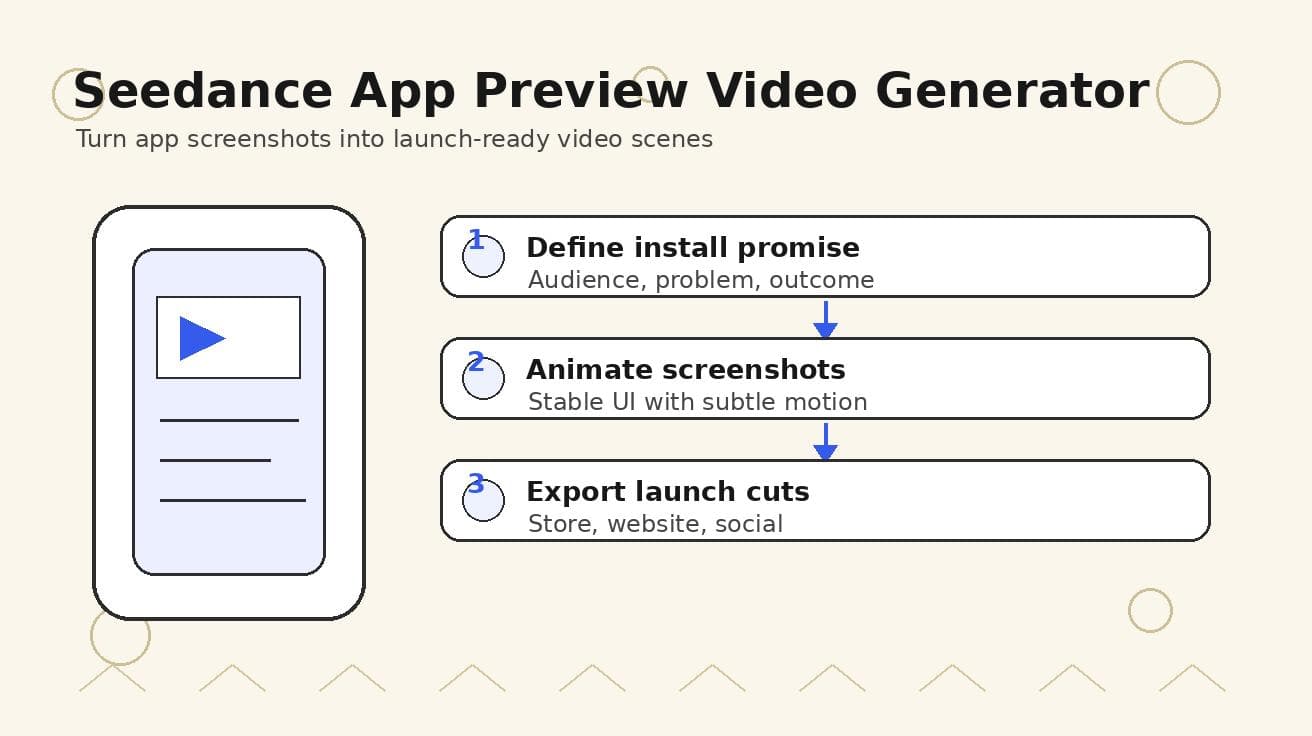
Seedance App Preview Video Generator 2026: Create App Store and Product Launch Clips
Use Seedance to turn app screenshots, feature copy, and launch goals into App Store previews, Google Play promo videos, and product launch clips.
Read article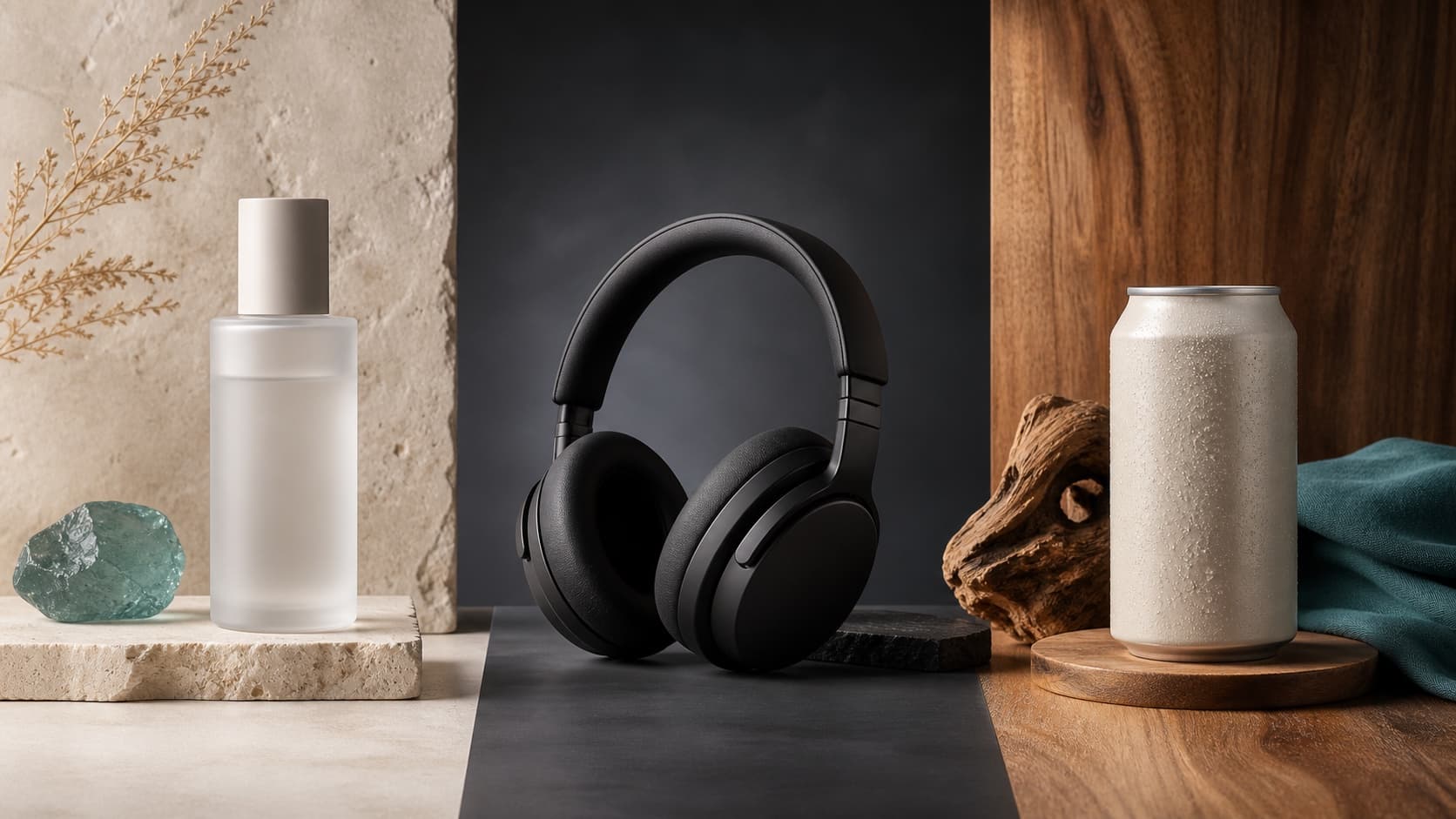
Seedream 5.0 Product Poster Prompts: Templates, Lighting, and Background Swap Guide
Create stronger product posters with a six-part Seedream 5.0 prompt formula, five product templates, three lighting setups, text rules, and a background-swap workflow.
Read article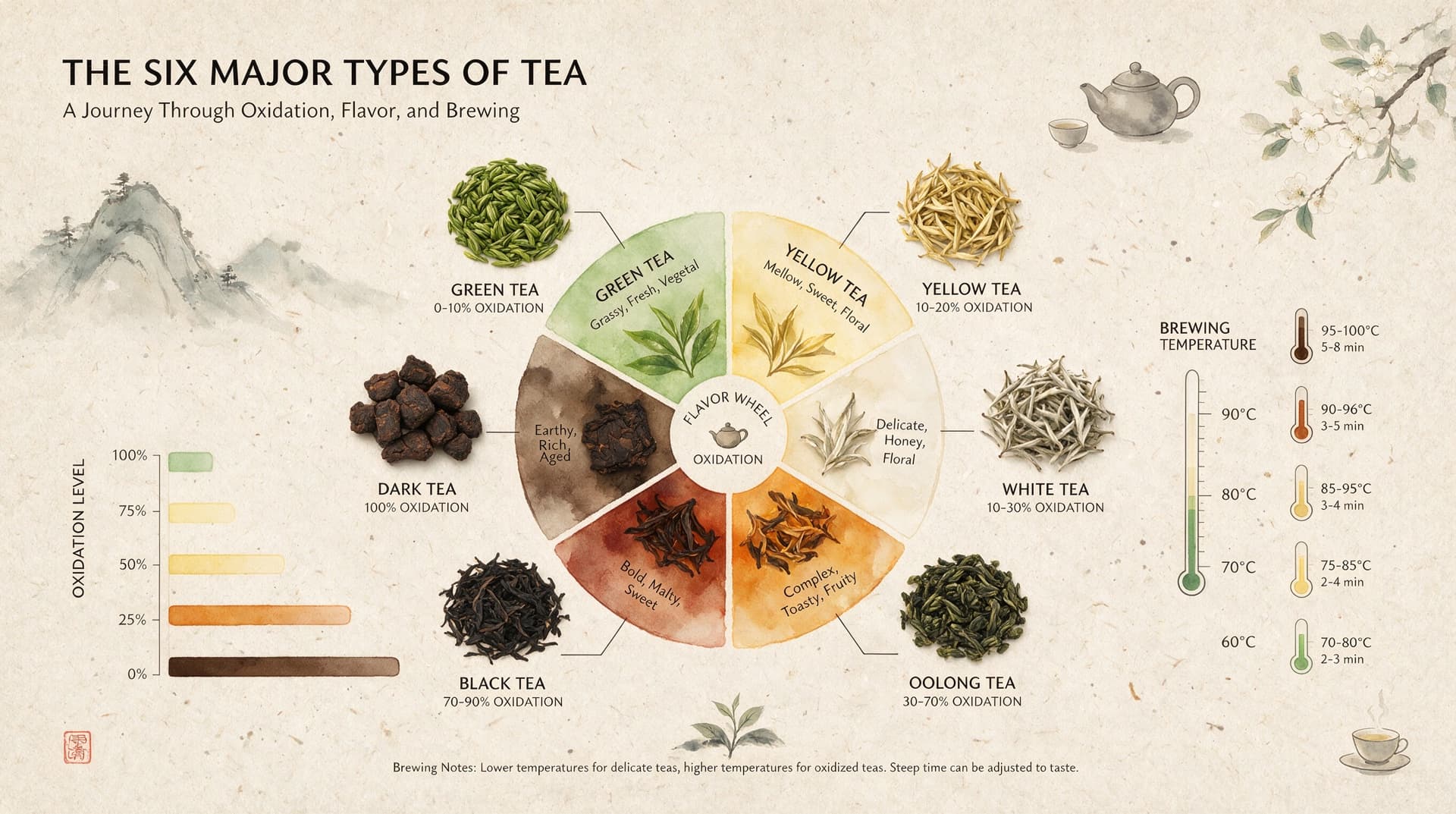
Seedream 5.0 Infographic Prompts: Templates, Text Tips, and 5 Copy-Ready Examples
Create clearer AI infographics with a seven-part Seedream 5.0 prompt formula, five reusable templates, practical text tips, and five copy-ready examples.
Read article